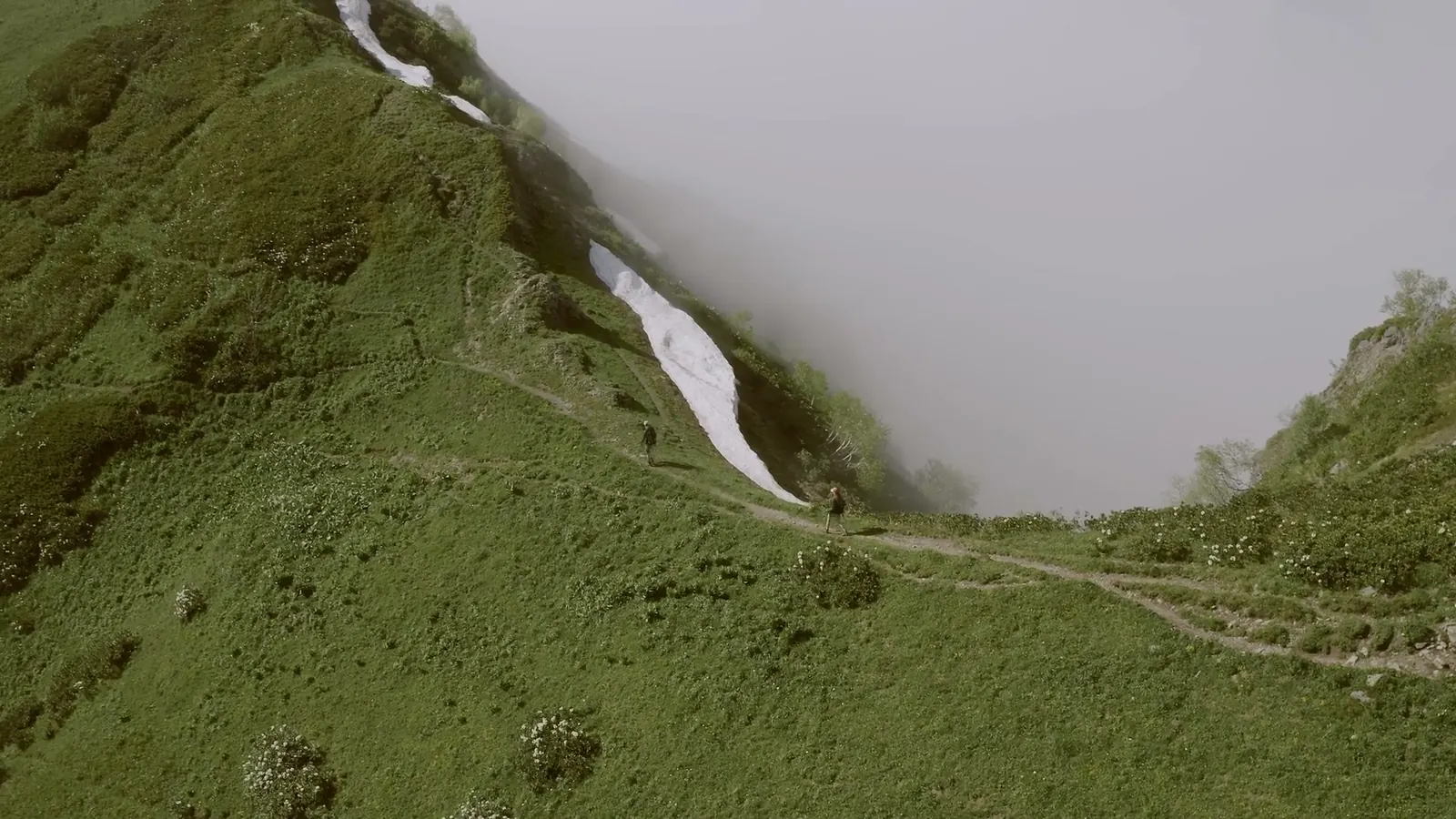
Keep the clips short
A whole two-minute video in the middle of a photo film stops it dead. People were enjoying a story that moved every few seconds, and suddenly it stands still.
Use the best 4 to 8 seconds instead: the laugh, the splash, the moment someone turns around and waves. If a video has someone saying something worth hearing, let it run until they finish the sentence, even if that's a little longer.
Let the sound through
The sound is the reason to use a video at all. A few seconds of a child laughing or a toast at a table does more than any photo.
When someone is talking, singing or laughing, turn the music down under the clip so you can hear them, then bring it back up. For clips where the sound is only wind or traffic, keep the music at full volume, or mute the clip.
Keep it in order
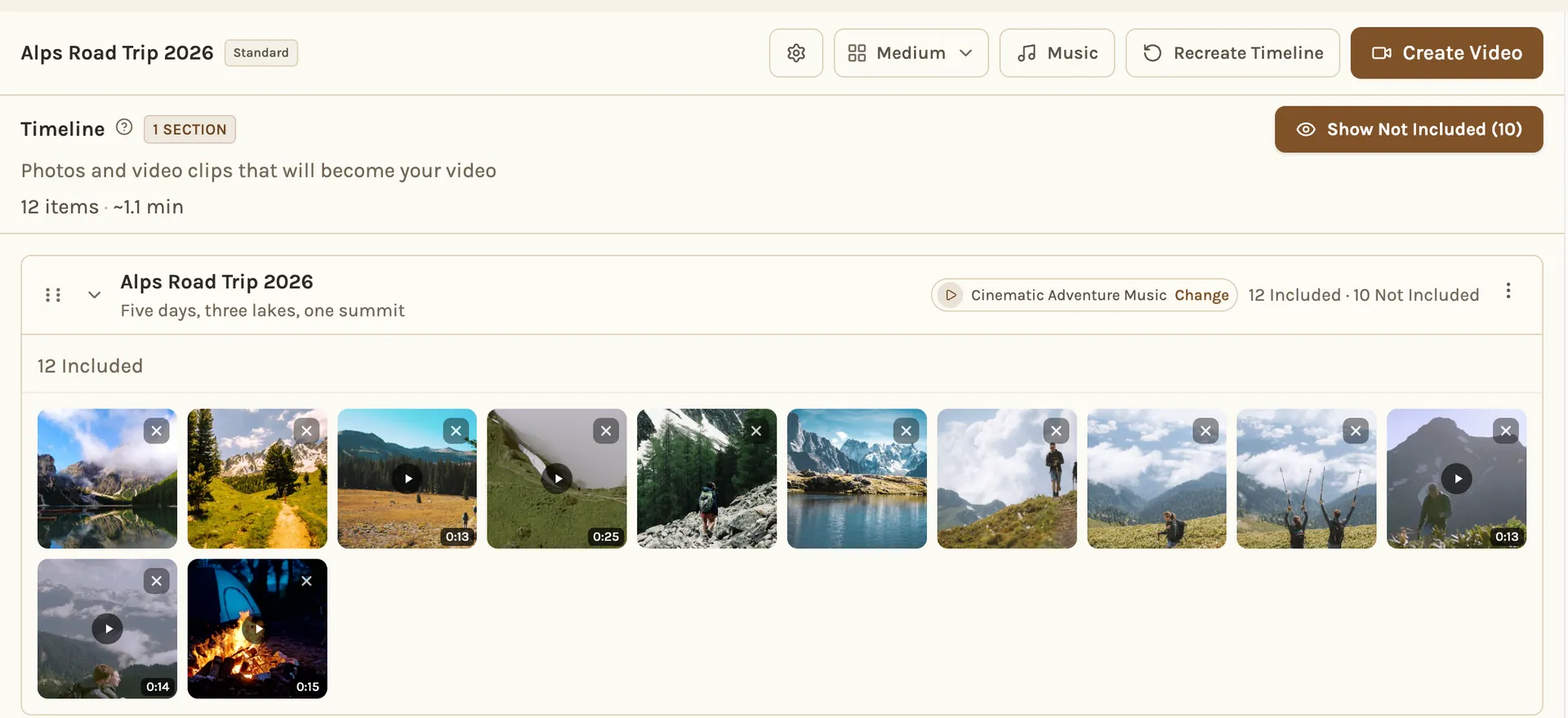
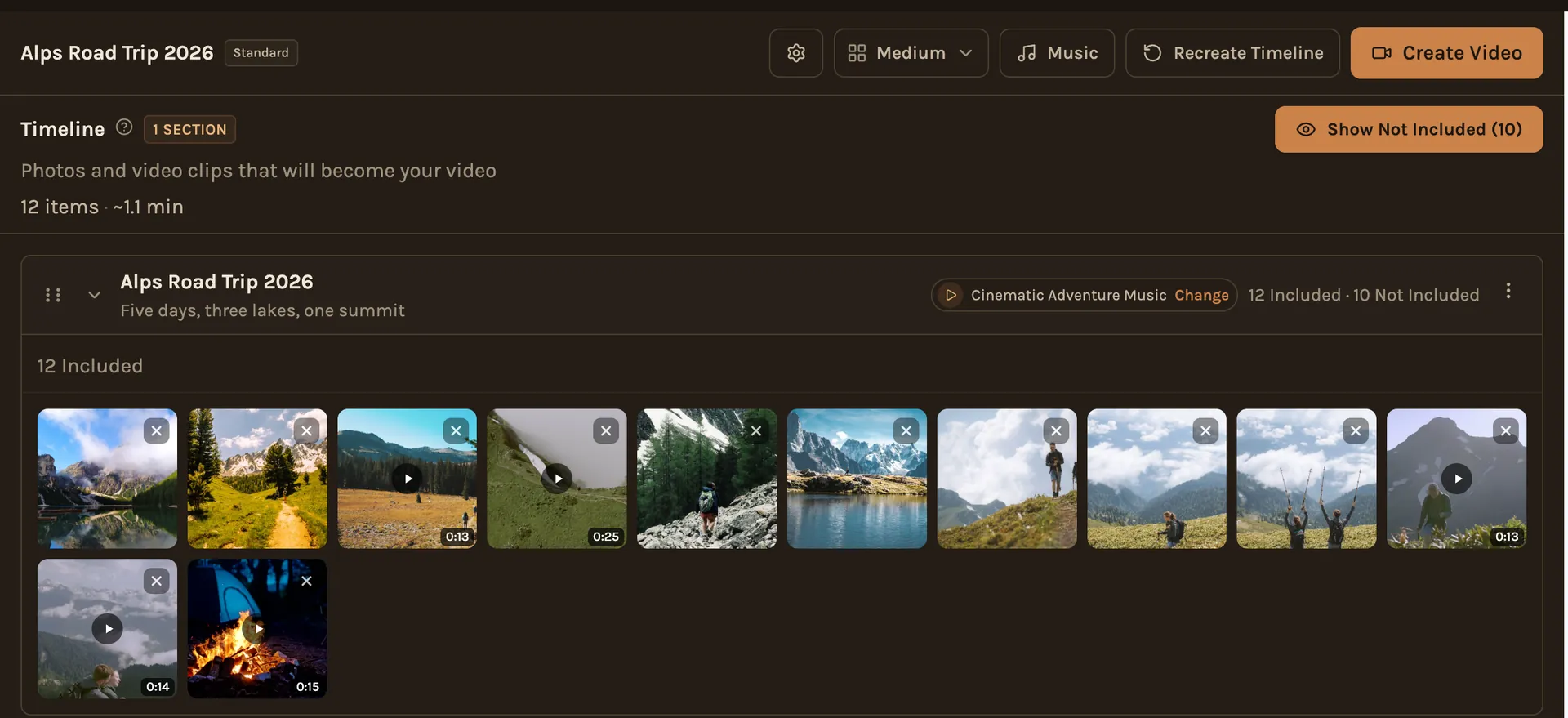
Put each clip where it happened, among the photos from the same moment. A video of the cake being cut belongs right after the photos of the candles, not in a pile of videos at the end. In date order, the photos set up the moment and the clip brings it to life.
Doing it by hand
In iMovie, Canva or CapCut, put the photos and clips on the timeline in date order, trim every clip to its best seconds, and lower the music under each clip with voices. Expect an hour or two for a 5-minute film, and much longer for a trip or a year, where the sorting and trimming take most of the time.
How Kindred Scenes does it
Add the photos and videos together, unsorted, from your phone, your computer or Google Photos. Kindred Scenes watches and listens to each video and keeps its best few seconds, letting a clip run longer so a spoken line isn't cut off. It places each clip among the photos from the same moment, by the time it was taken. While a clip plays, the music drops so you can hear the people in it, then comes back.
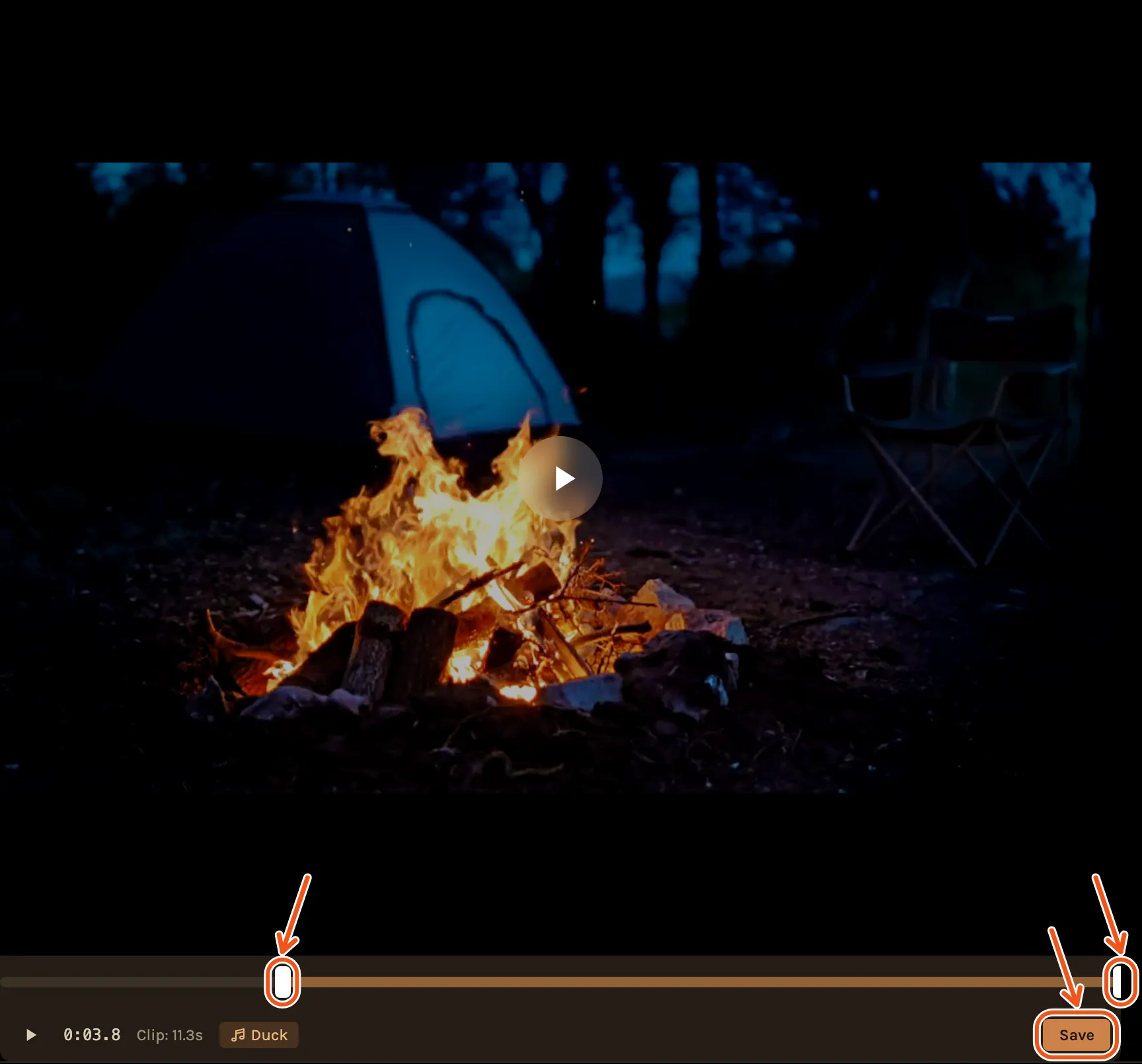
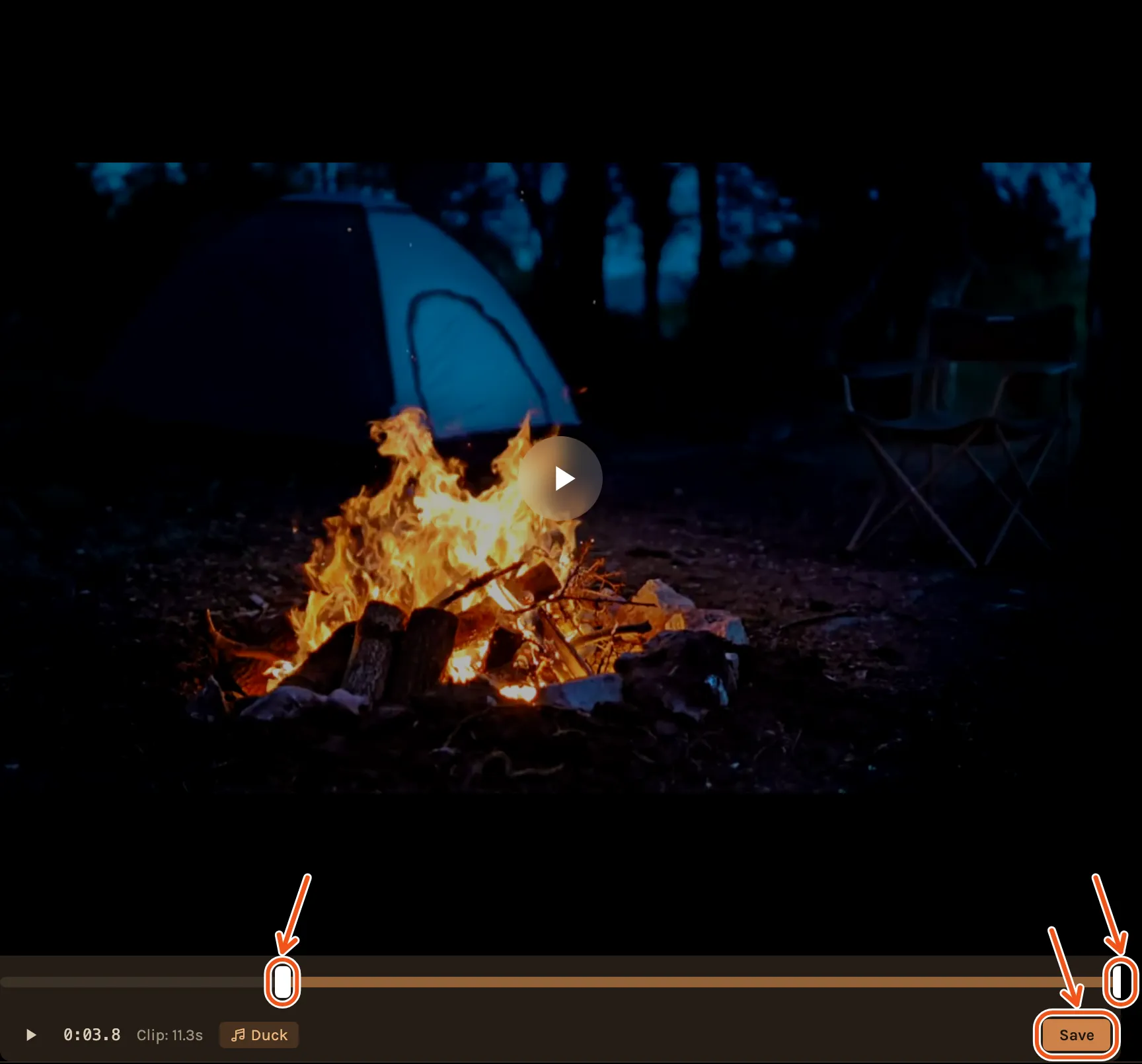
Before the film is made you can trim any clip, move it, or take it out. If a clip has sound you don't need, you can keep the music at full volume during that clip instead.