From a pile of photos to one film, in three steps
Add your photos and videos, unsorted. Kindred Scenes picks the best, puts them in order and makes the film. Anyone else who was there can add theirs through one link.
Step 1: Add all your photos and videos
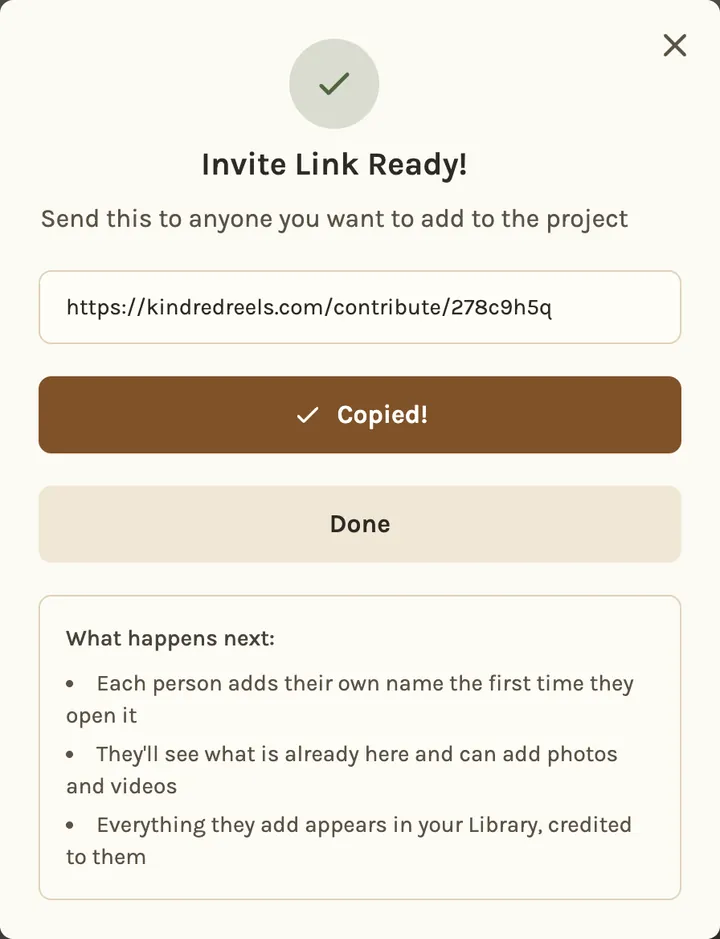
Straight from your phone or computer, or from Google Photos, unsorted. If others were there, send them one link. They see what others have added and add theirs, with no app or account. For a tribute, relatives can also record a short voice memory.
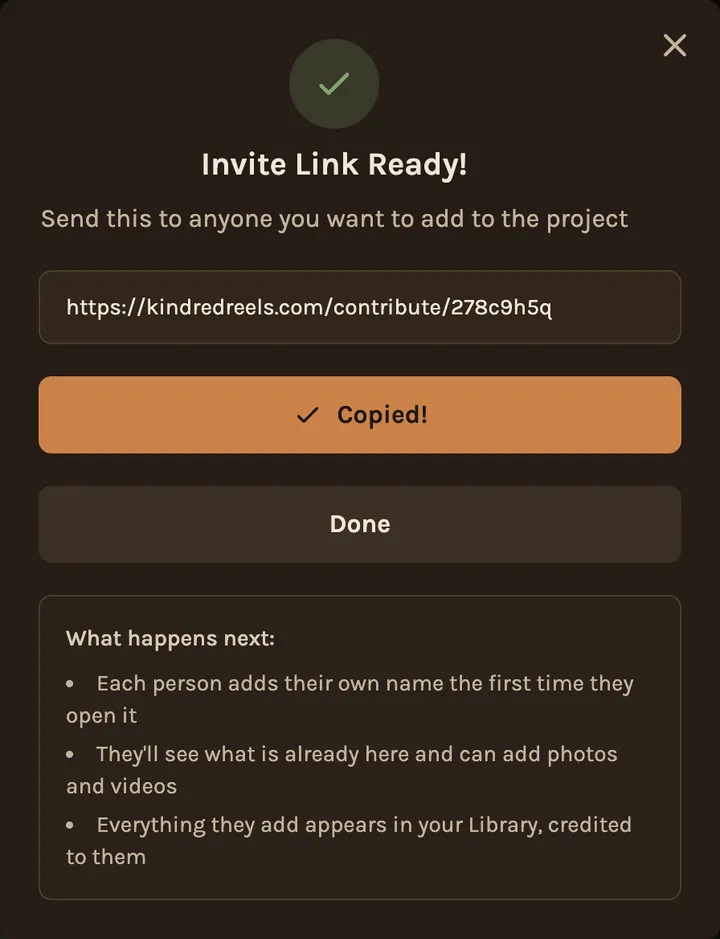
Step 2: It picks the best and puts them in order
Repeats and blurry shots are left out, sideways shots are turned upright, the best moments of each video are trimmed in, and everything is put in the order it happened and set to music.
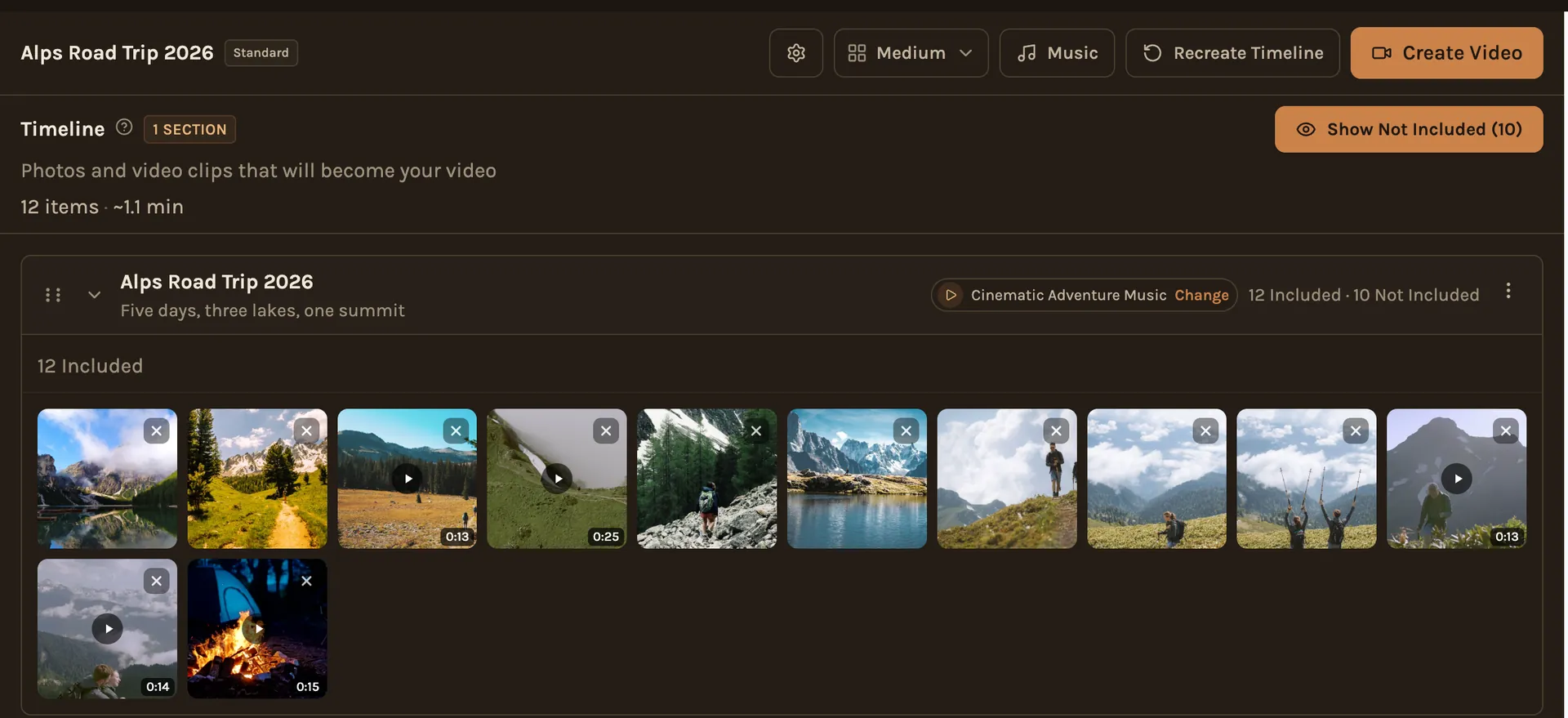
Step 3: Change anything, then make the film
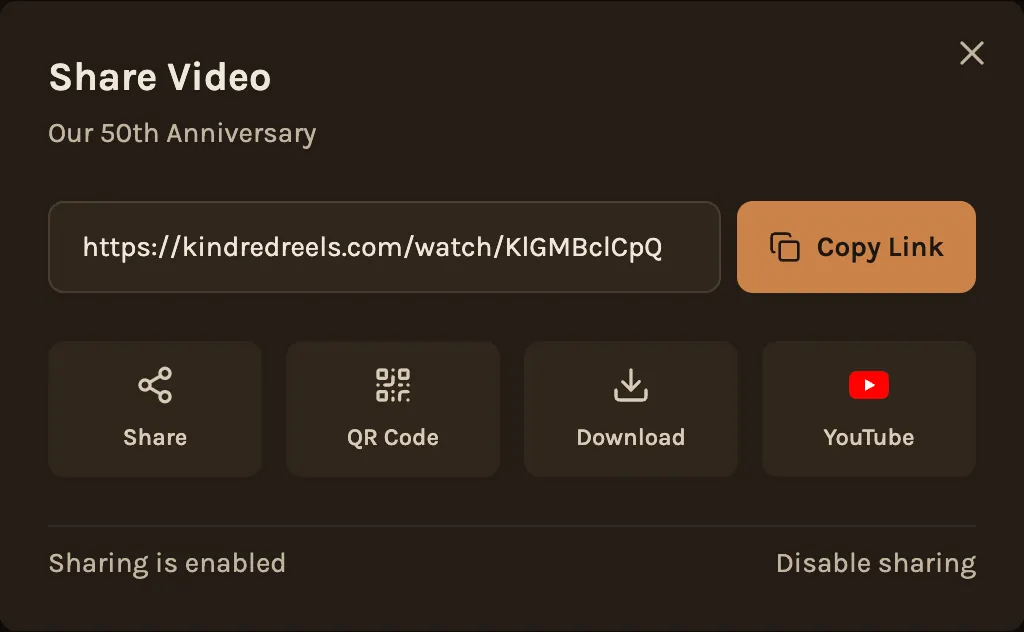
Look it over, move or swap anything, choose the music and the look, then make the film. Download it, share a private link or put it on YouTube.
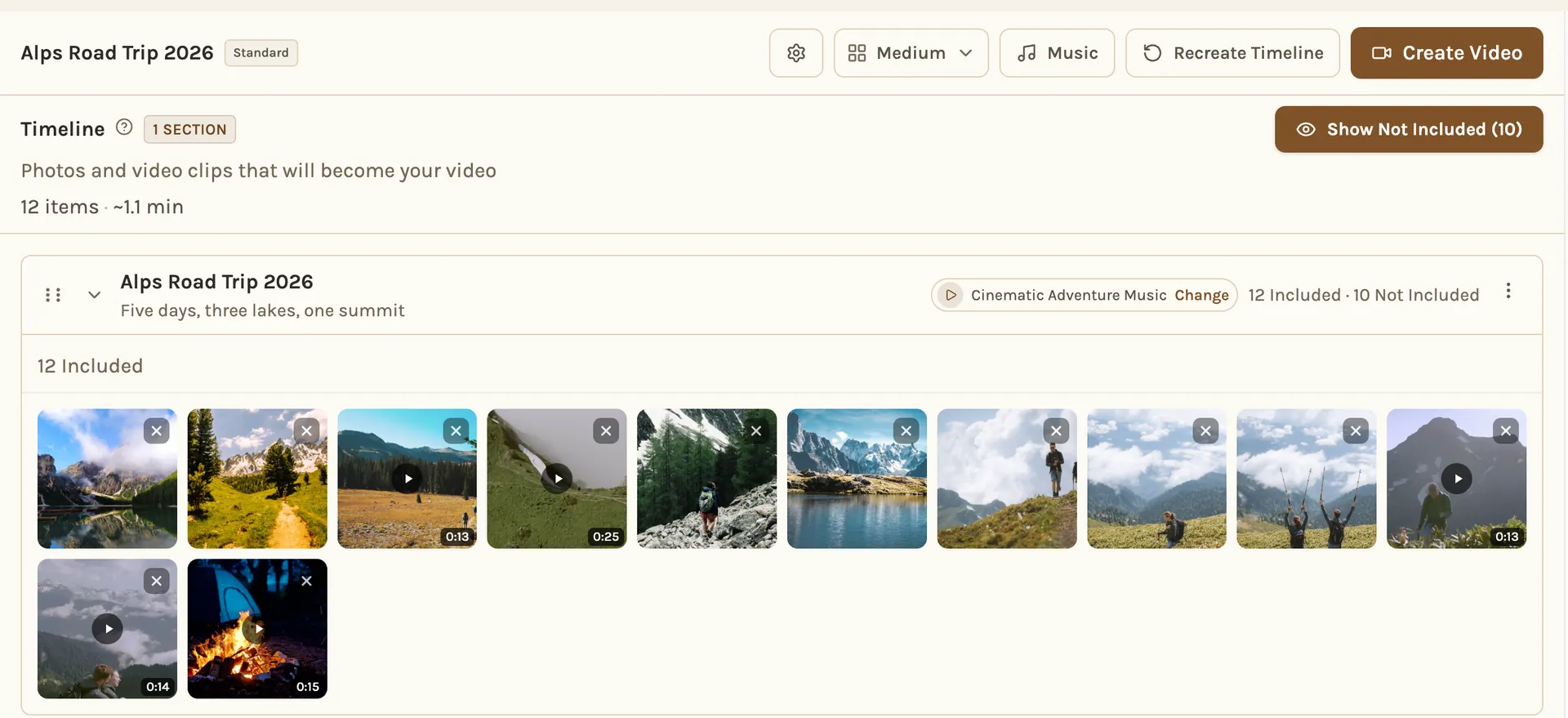
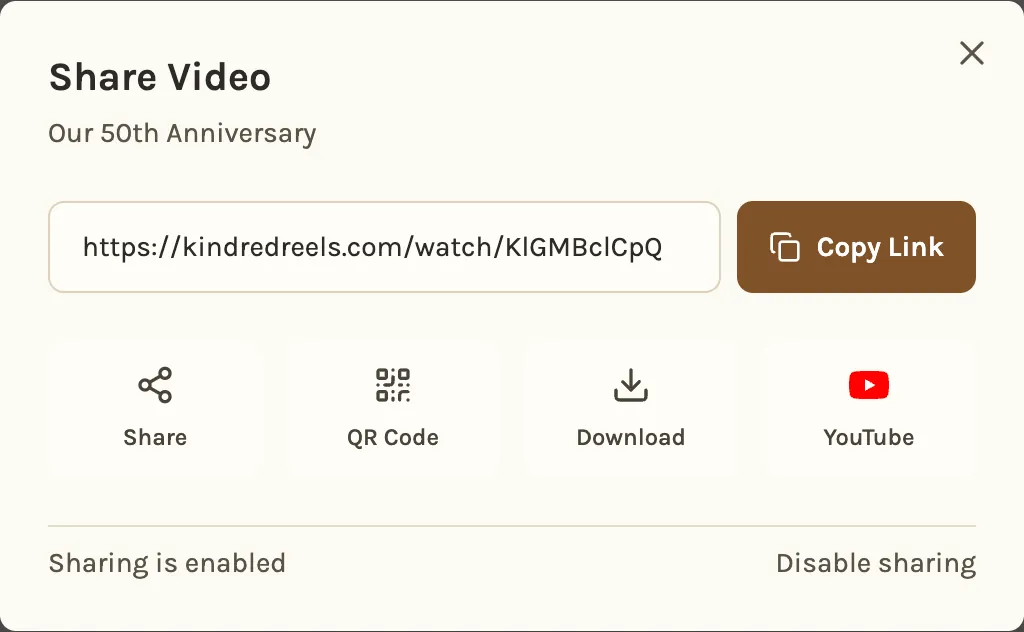
Curious what happens to the photos along the way? How it's built explains it.
Questions about how it works
No. They open the link in the browser on their phone or computer, type their name and add their photos and videos. Only you, the organizer, have an account.
The timeline is usually ready a few minutes after you start it. Once you make the film, a short one is ready in a few minutes and a long one takes longer. You get an email when it is done.
About 2 to 3 minutes for Highlights, about 5 to 8 minutes for Feature or 10 minutes or more for Extended Cut, depending on the length you choose. It runs as long as the good photos and videos allow.
Yes, anything. Add or remove photos, change the order, swap the music and pick the look. Nothing is made until you say so.
A new project takes up to 200, and you can unlock room for 1,000. Each video can be up to 2 minutes and 1 GB.
Nothing during the beta. Every plan is free to unlock, Tribute included, with no watermark and no credit card.
Read more
Start with the photos you have
Add a pile of photos and see what comes back.
Make your filmFree during the beta • No credit card required