Get everyone's photos in one place
This is the one part only you can do, and it matters most: the best shots are usually on someone else's phone.
- Already in a shared Google Photos album: bring the album straight in.
- Already in a shared iPhone album: save it to your library and add the photos from your iPhone.
- Nobody has shared anything yet: send everyone a Kindred Scenes link. They add their own photos and videos, with no app and no account.
Ask for videos as well as photos, and ask soon after the trip, while people still remember what they took. Our guide on collecting everyone's photos after a group trip has the message to send and how to remind the people who forget.
Let Kindred Scenes make the first cut
When everything is in, Kindred Scenes does the sorting:
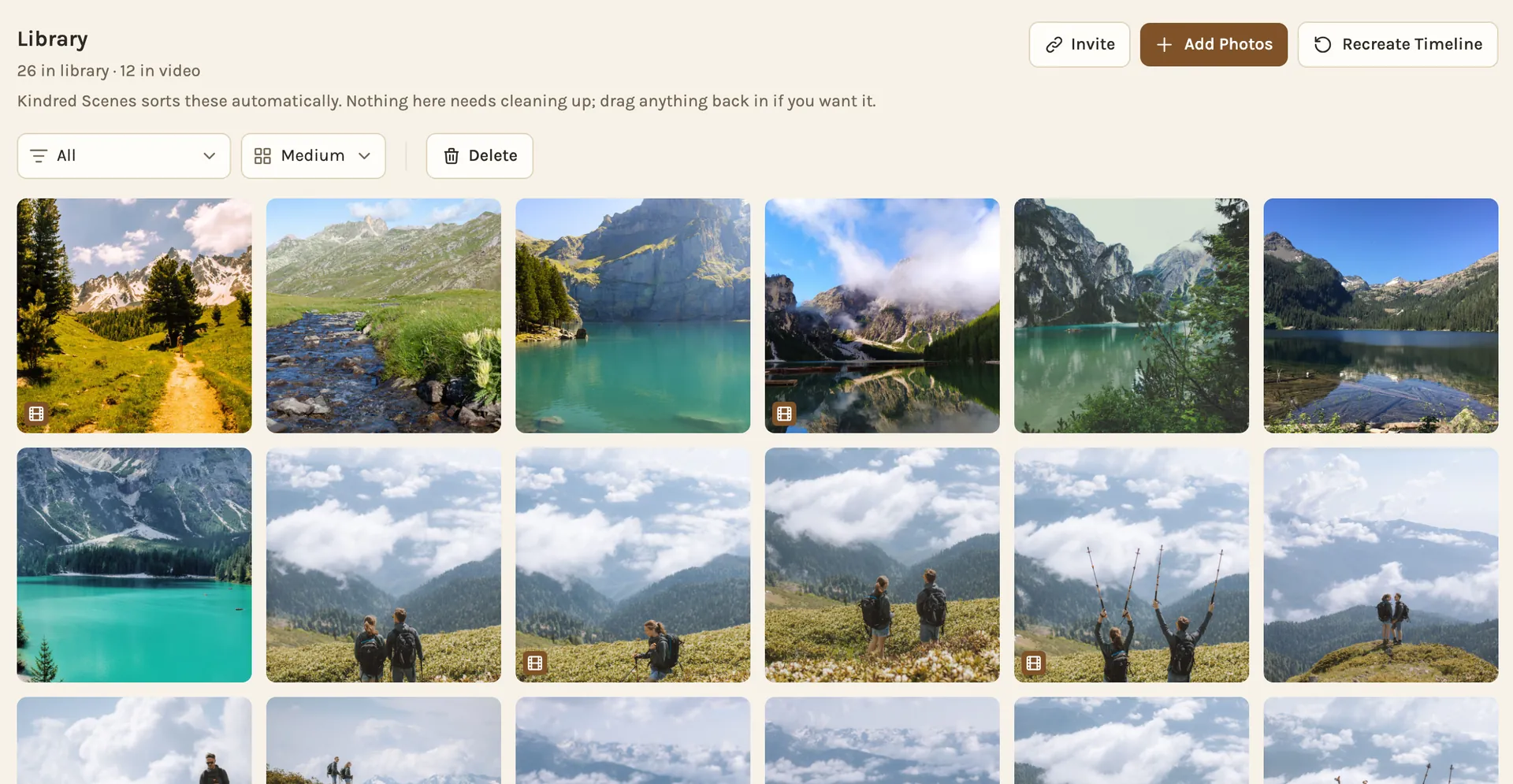
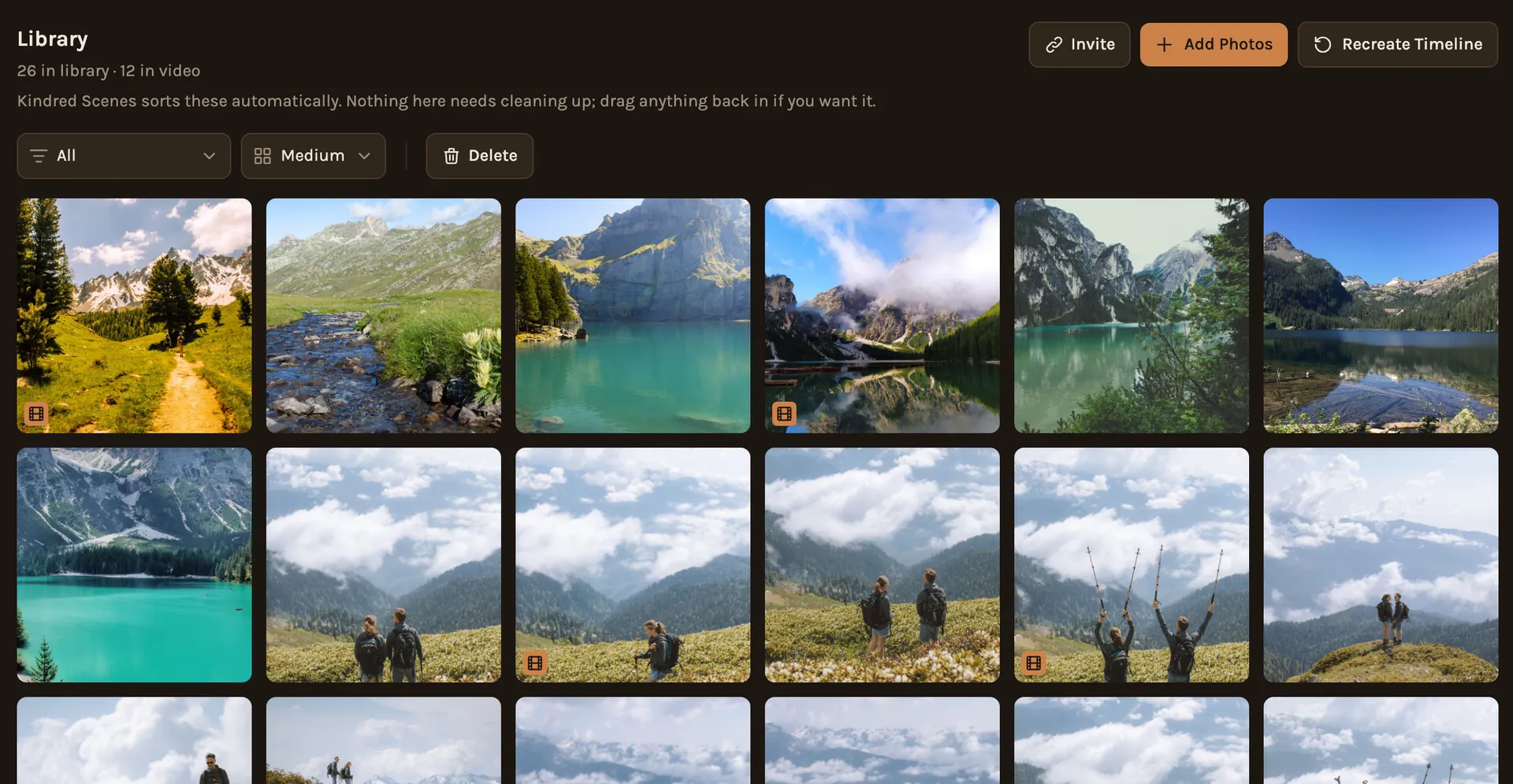
- It puts everything in the order it happened. It catches the common clock problems that scramble trip photos, like a camera still set to home time after a flight.
- It keeps the best of each moment. Ten people at the same viewpoint means thirty nearly identical photos. It keeps the best one and sets aside blurry shots and screenshots.
- It finds the good seconds of each video. A two-minute clip of a hike usually has one great moment. It picks that moment, usually 5 to 10 seconds, and turns the music down when someone is talking.
- It follows the trip. On the longer lengths, the film is split into chapters, each with its own song, and the photo changes land on the beat.
Nothing is deleted along the way. Anything set aside waits in a list, ready to be dragged back.
Look it over
The first cut is a starting point. A few minutes on the timeline is worth it:
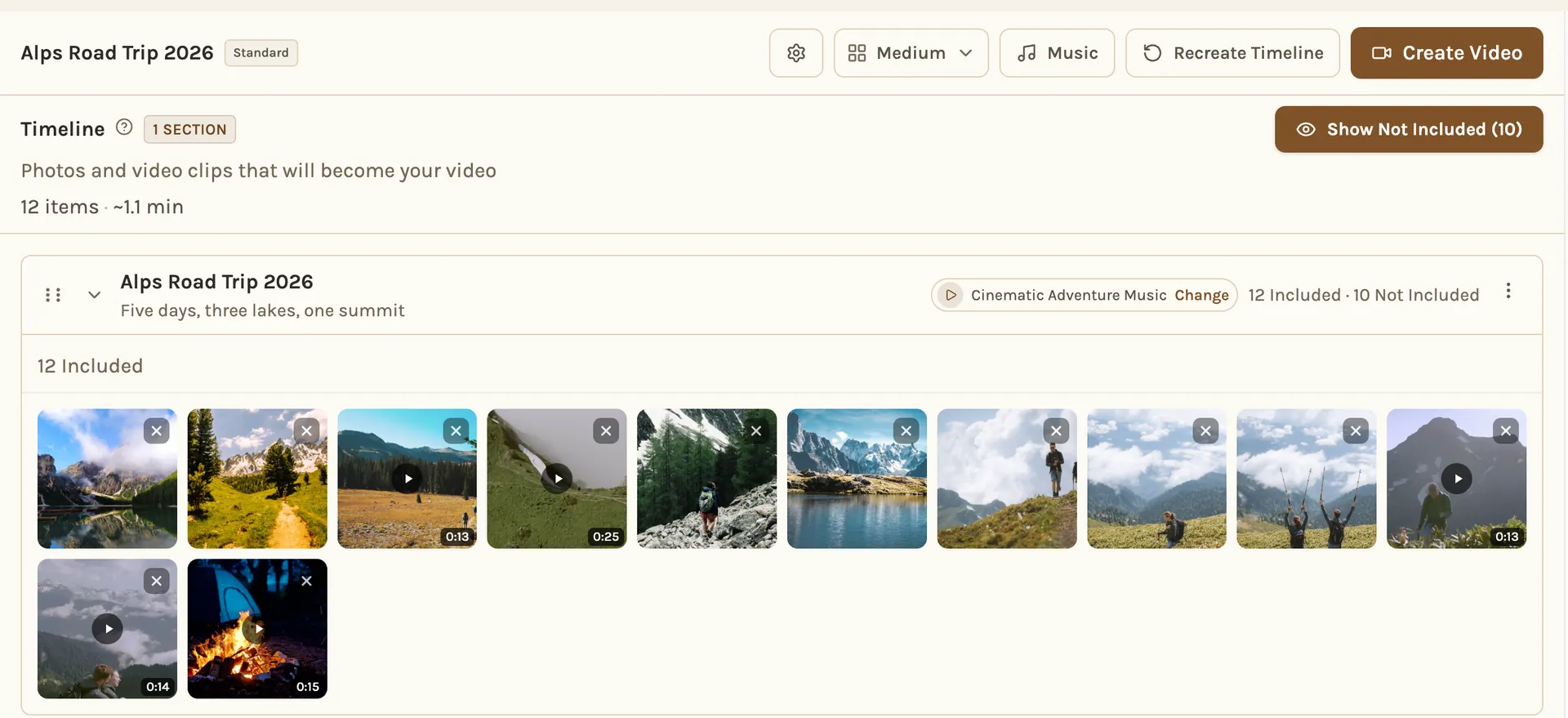
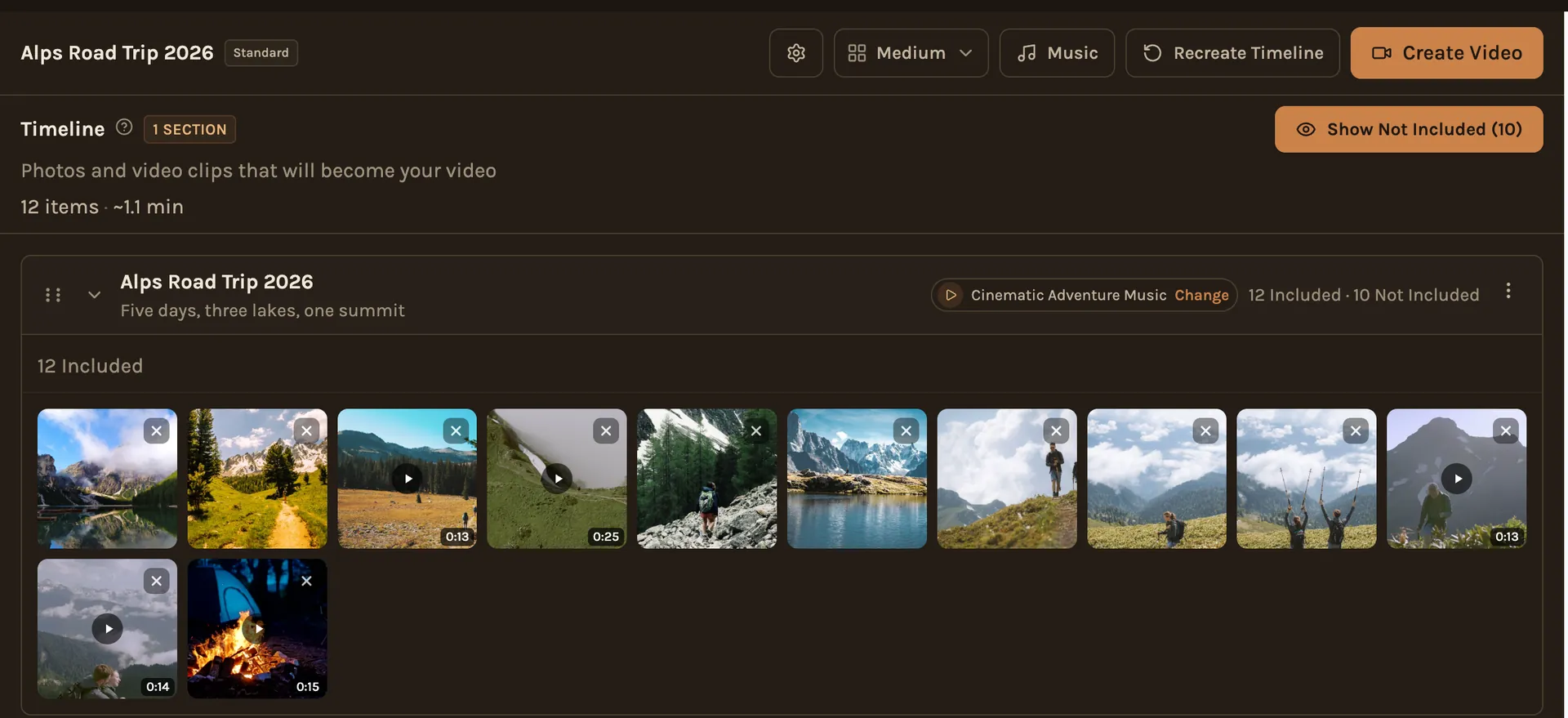
- Your favorites: if a photo you love was set aside, drag it back in.
- The order: if something still landed in the wrong place, drag it where it belongs.
- The start and the end: open on a photo that sets the scene, and end on one that feels like the end, like everyone together or the drive home.
- Chapters and songs: rename a chapter, or swap a song that doesn't fit.
Pick the length and make it
Short beats long. Highlights, about 2 to 3 minutes, is the one people watch again and send to others. Feature, about 5 to 8 minutes, suits the people who were there. Make the short one first.
The finished film is landscape, made for a TV or a laptop. If you put it on YouTube, the songs from the Kindred Scenes library can go there too, and when a song needs a credit, the film adds it at the end.