Your baby's first year, in one film
Kindred Scenes turns a year of baby photos and videos into one film for the first birthday, made for parents, with a free preview.
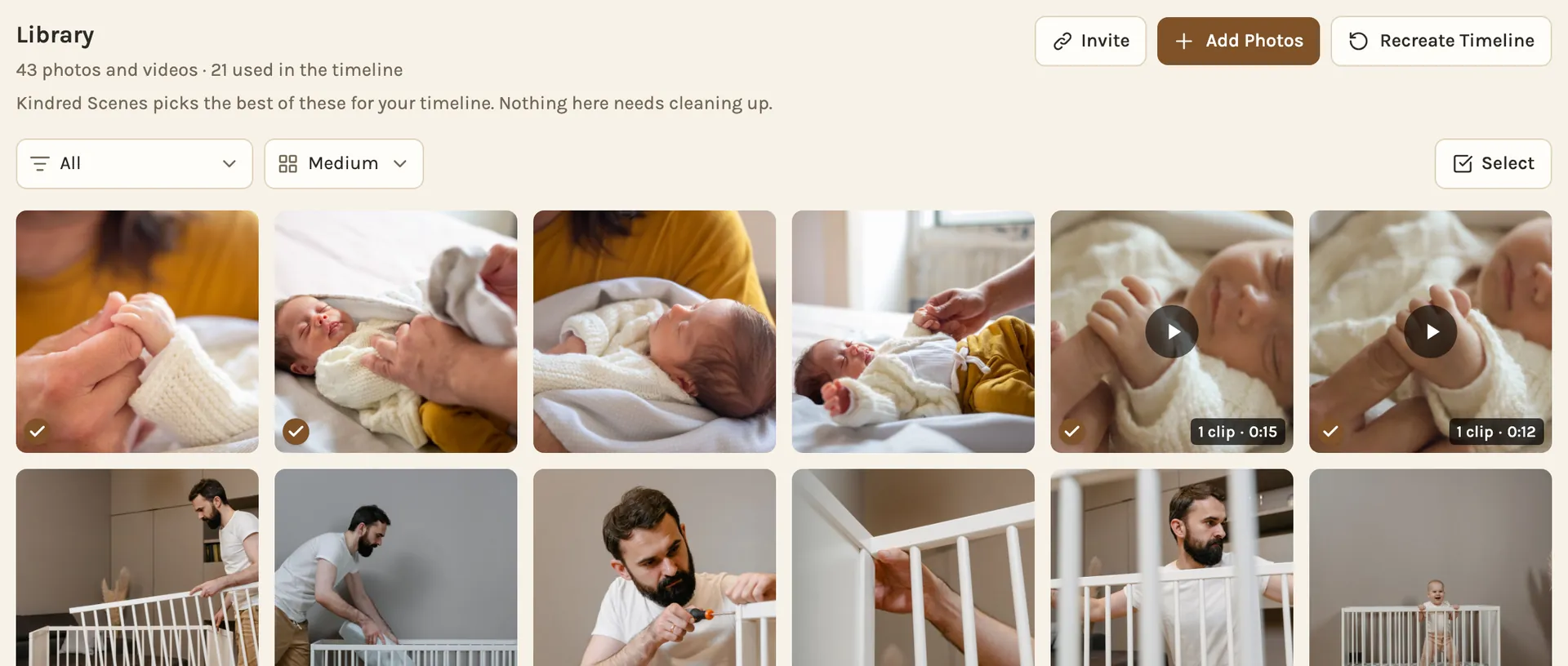
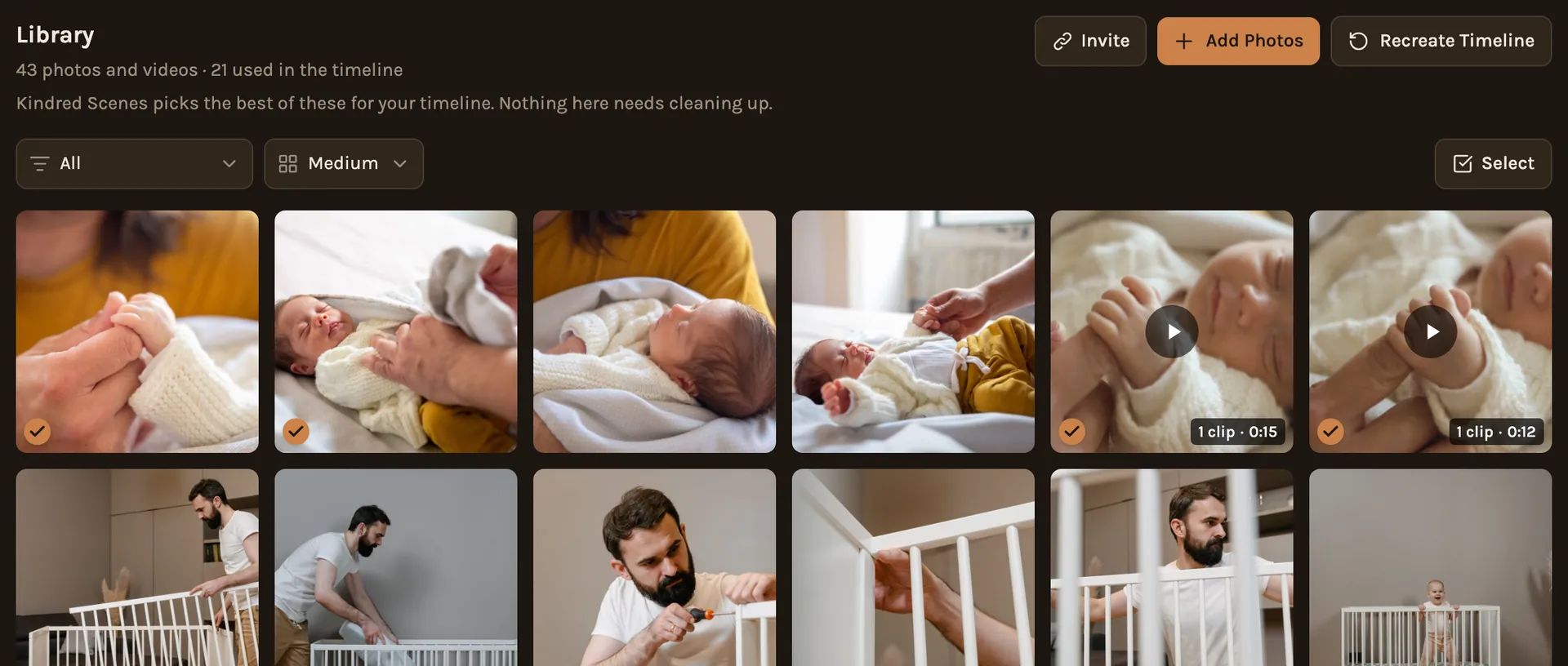
By the first birthday, most parents have thousands of photos and short videos on their phones, many of them nearly the same. Kindred Scenes turns them into one film. Add them all, unsorted. It keeps the best shot of each moment, the sweetest seconds of each video and puts everything in order from the first days home to the first birthday, set to music.
Grandparents, aunts and uncles have photos you have never seen. Send them one link and they add theirs from their phone, with no app or account.
How it works for a first year
Month by month, in order
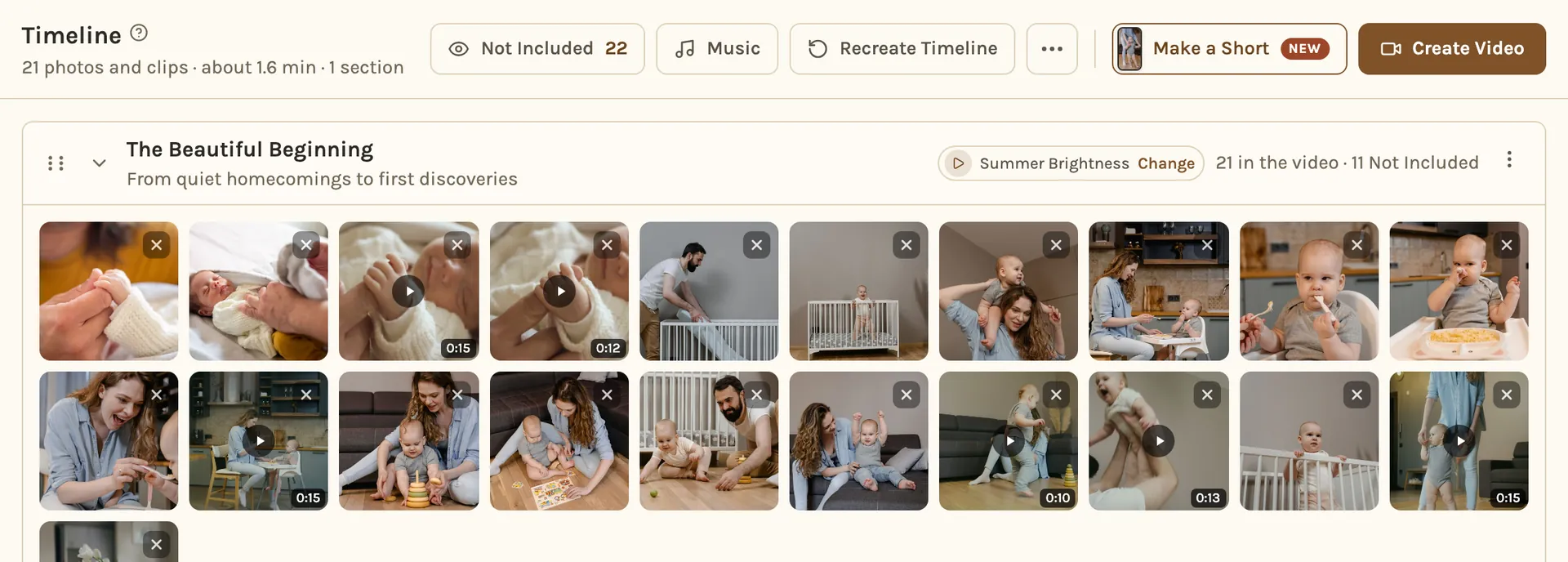
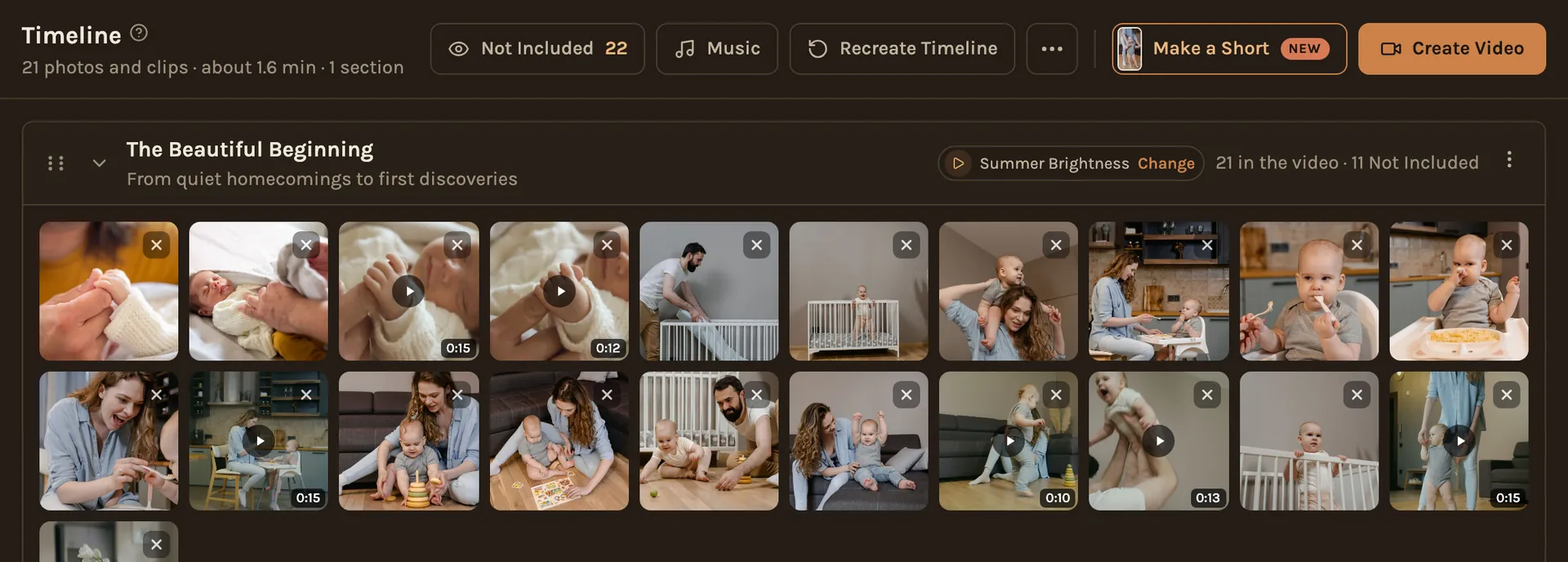
Every photo and video is placed by the date it was taken, so the film plays from newborn days to first steps. The year is split into chapters by date, each with its own song.
The best of twenty near-identical shots
Babies get photographed in bursts. Of twenty shots of the same smile, the film keeps the one best one, and leaves out the blurry and the nearly-the-same. Nothing is deleted, and you can put any of them back.
Their first sounds
Each video plays its best few seconds with its sound, so you hear the first laugh and the first babble. The music drops while they make noise, then comes back.
Tips for a baby's first year video
Plan it for the first birthday party
Most parents play a few minutes at the party and keep a longer film for themselves. Start a couple of weeks before, so family have time to add their photos through the link.
Add photos as the year goes, if you like
You can add photos every month and make the film at the end, or add the whole year at once. The order comes from when each photo was taken, not when you added it.
Include the hospital photos
The first days set the scale for everything after. Even blurry hospital photos are worth adding; the film picks the clearest ones.
Make two lengths
Highlights, about 2 to 3 minutes, plays well at a party where people are standing and holding cake. Feature or Extended Cut is the one you will watch on their birthday for years. If you buy the short one first, the longer one costs only the difference.
How long is the film?
You pick the length when the timeline is built. Add chapters or put photos back and the film runs longer.
- HighlightsAbout 2 to 3 minutesEvent $5, Tribute $29
- FeatureAbout 6 to 10 minutesEvent $9, Tribute $49
- Extended CutAbout 10 to 20 minutesEvent $15, Tribute $79
The preview is free. You pay only for the full film.
Questions about a baby's first year video
No. Add them all and the film keeps the best of each run of near-identical shots. Every project has room for about 1,000 photos, 60 minutes of video, or a mix of both, for example, 500 photos and about 30 minutes of video. If your year has more than that, leave out the obvious extras, like screenshots, or bring in the albums you already made.
Yes. Each video plays its best few seconds, with its own sound, so a first laugh or first word is heard in the film. Each video can be up to 3 minutes and 1 GB.
About 2 to 3 minutes for Highlights, about 6 to 10 minutes for Feature or about 10 to 20 minutes for Extended Cut.
Yes. Send them the project's link. They open it on their phone, type their name and add photos or videos, or choose them from their own Google Photos. They can see what others have added but cannot change or delete anything.
Yes. Before the film is made you can take photos out, put back ones that were left out, move photos between chapters and swap the music. Moving and removing photos is done on a computer.
Making the timeline and watching the whole film as a preview is free, and no card is needed. If you like it, the full film, in 1080p, is $5, $9 or $15 depending on the length. Your full film has no watermark and nothing from Kindred Scenes on it. It ends with your own closing words. If you are not happy with it, write to us and we refund it in full.