Your family's year, in one film
Kindred Scenes turns a year of family photos and videos into one film for the holidays, made for you, with a free preview.
A family's year usually ends up as thousands of photos and videos spread across a few phones, and nobody has time to sort them. Kindred Scenes does the sorting. Add what you have, and it picks the best moments, leaves out the near-identical shots and puts everything in date order, in chapters with music. You choose how long the film is, from a few-minute highlight to a full film of up to about 20 minutes.
The rest of the family took photos too. Send them one link and they add theirs from their own phone, with no app or account, so the film has the whole year and not only what was on your phone.
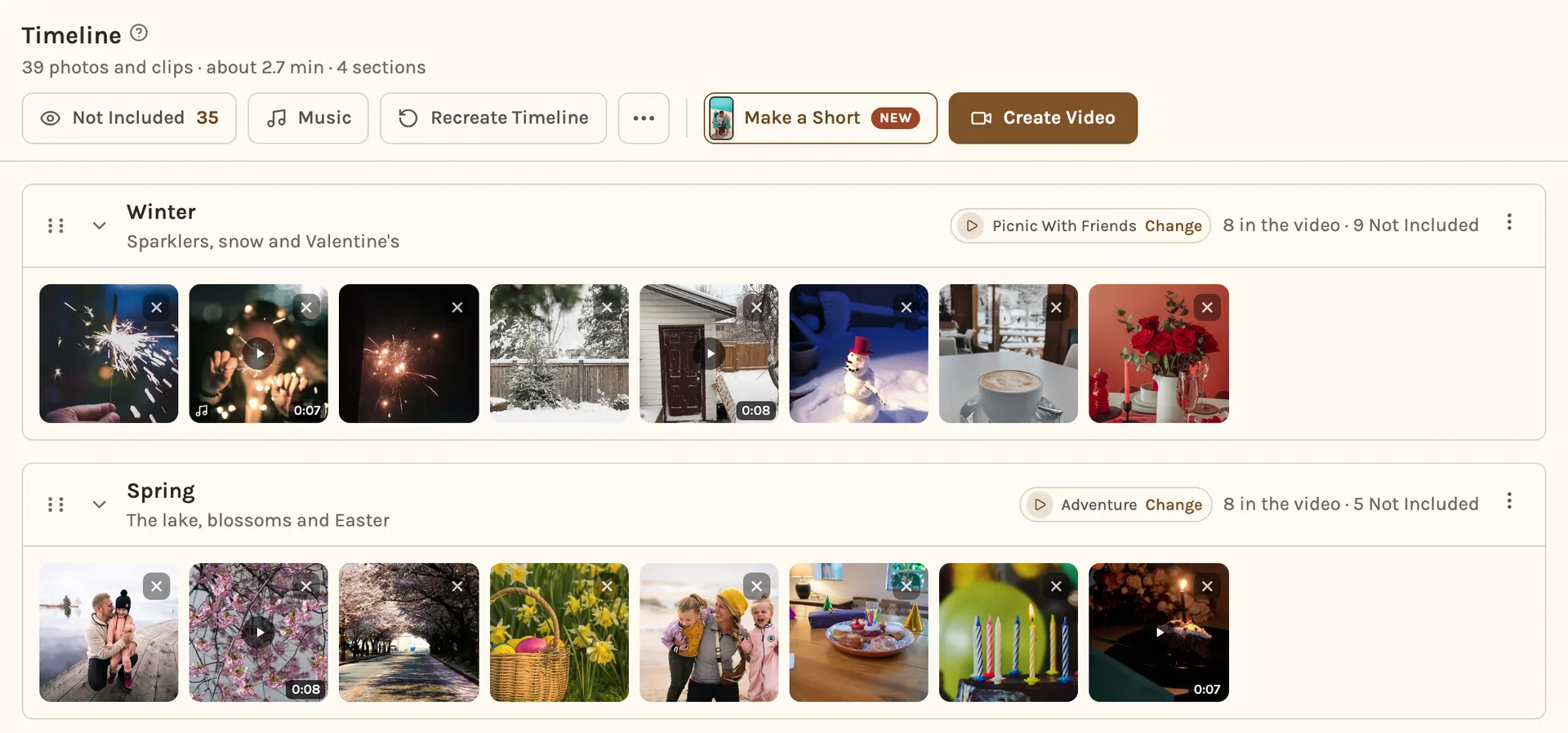
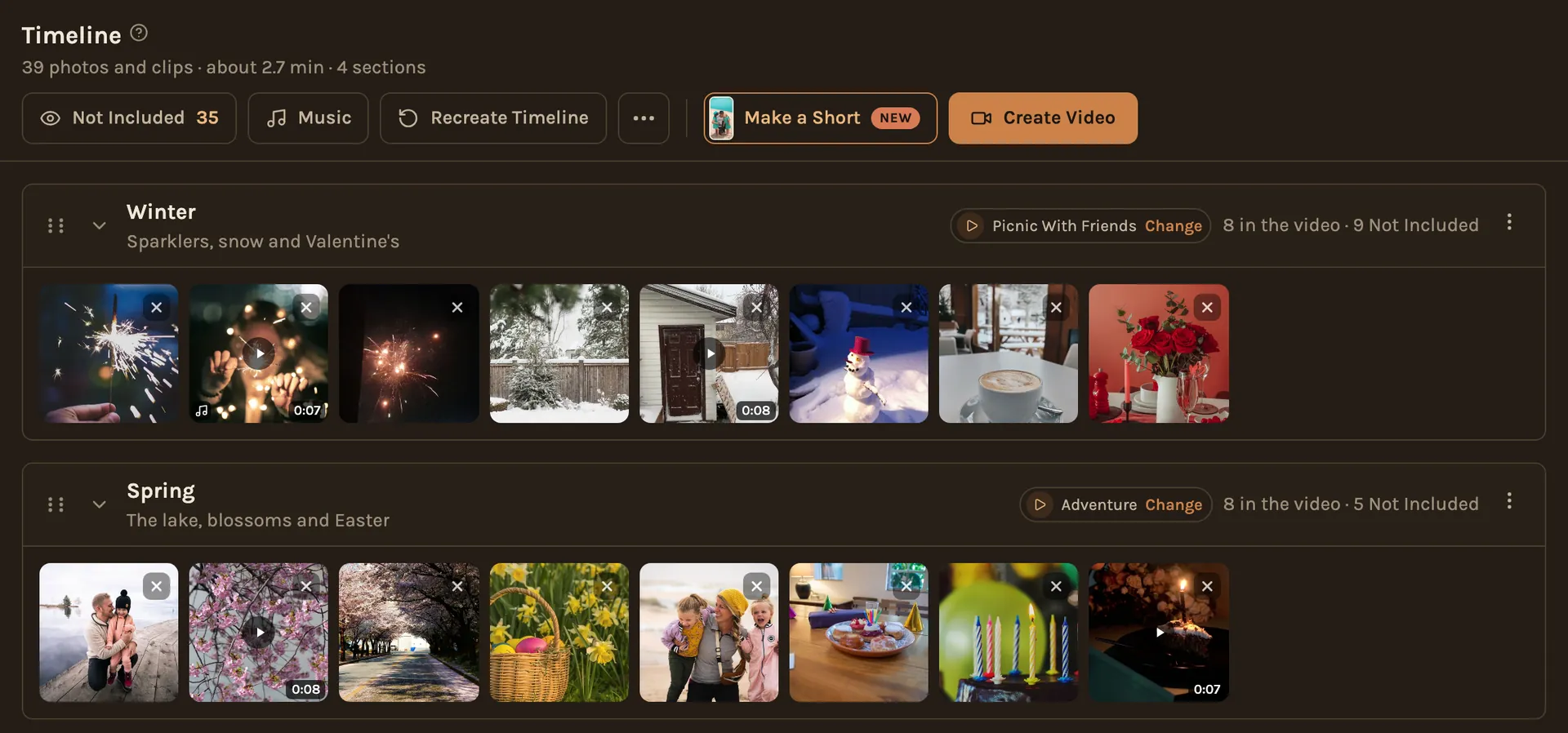
How it works for a year
The year in order
Every photo and video is placed by the date it was taken, whoever took it. The year is split into chapters by date, so the film moves from January to December, and each chapter gets its own song.
The best moments, not every photo
Twelve shots of the same birthday cake become the best one. Blurry photos and screenshots are left out. Nothing is deleted: what was left out waits beside each chapter, and you can put any of it back.
Videos with their sound
Each video plays its best few seconds, with its sound, so you hear the laughing and the singing. The music drops while people talk, then comes back.
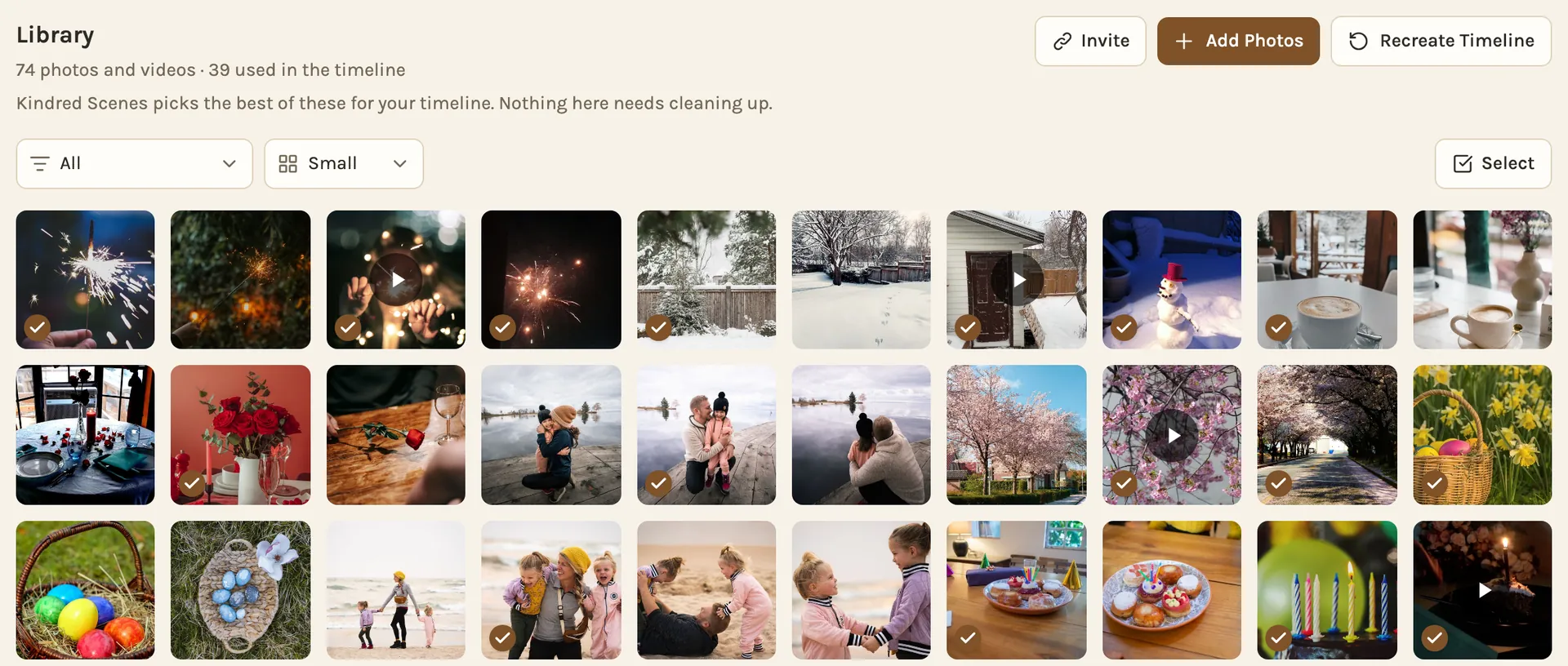
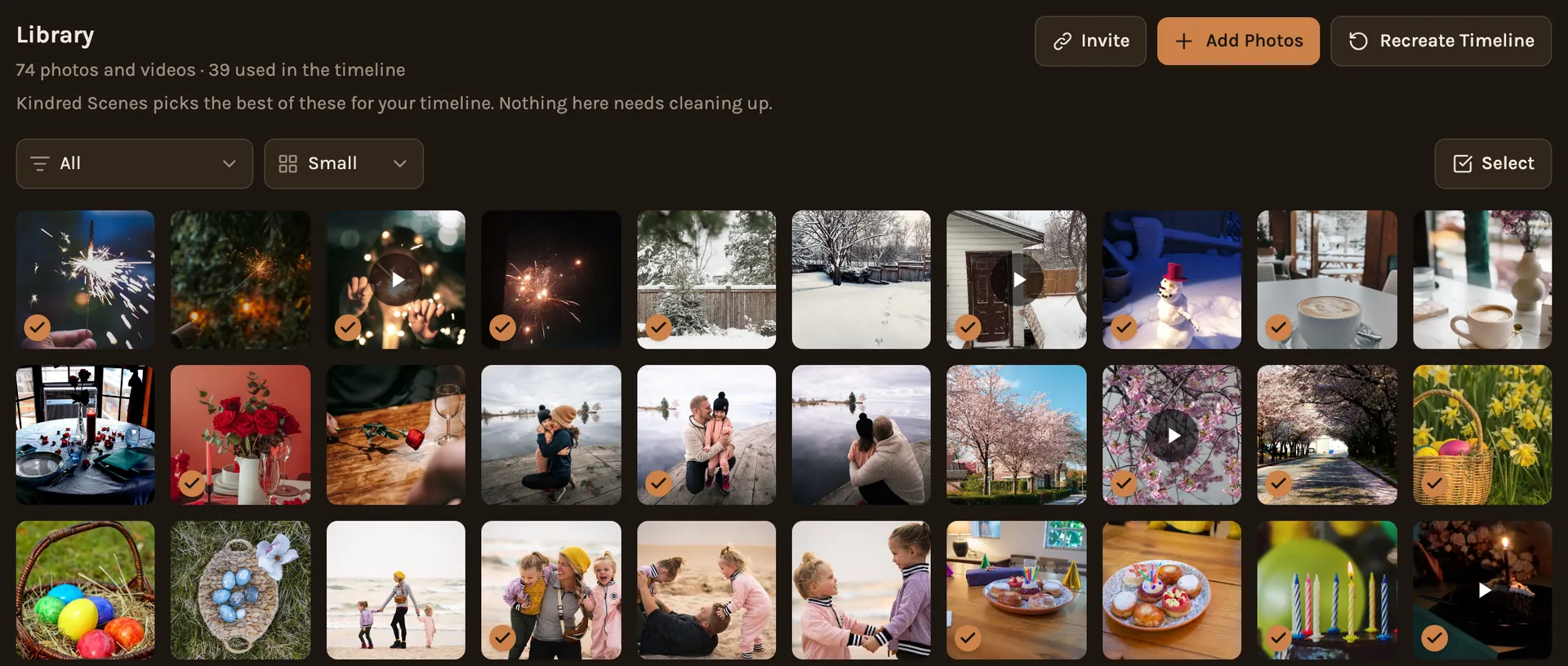
Tips for a year in review
Start with the phones that took the most
Most of a family's year is on one or two phones. Add those first, then send the link to grandparents, older kids and anyone else who was there.
A big year may need narrowing a little
A project has room for about 1,000 photos, 60 minutes of video, or a mix of both. You don't need to pick the best shots yourself, but if your year has more than that, leave out the obvious extras, like screenshots and saved memes, or bring in the albums you already made for trips and holidays.
Pick the length for where it will play
Highlights for a holiday card or the family group chat. Feature to play after a holiday dinner. Extended Cut for the film you keep and watch again in ten years. You can also make a free one-minute Short from the same timeline to post.
Check photos saved from chats
Photos saved from WhatsApp or Messenger often lose the date they were taken, so they can land in the wrong month. Drag it into the right month on the timeline and set its date, so it stays there if you rebuild, or ask whoever took it to add the original through the link.
How long is the film?
You pick the length when the timeline is built. Add chapters or put photos back and the film runs longer.
- HighlightsAbout 2 to 3 minutesEvent $5, Tribute $29
- FeatureAbout 6 to 10 minutesEvent $9, Tribute $49
- Extended CutAbout 10 to 20 minutesEvent $15, Tribute $79
The preview is free. You pay only for the full film.
Questions about a year in review video
No. Add everything, in any order. Kindred Scenes looks at every photo and video, keeps the best of each group of near-identical shots and leaves out blurry ones and screenshots. The only reason to cut down first is room: a project holds about 1,000 photos, 60 minutes of video, or a mix of both, and a busy year can have more.
Yes. Everything is sorted by the date and time it was taken, whichever phone it came from. A photo with no date, often one saved from a chat app, is placed beside the photos it was added with, and you can set the date of any photo yourself.
Yes. Connect Google Photos and choose photos and videos in Google's own picker. To bring in a whole album, search for it in the picker and select everything. The photos are copied into your project, and nothing changes in your Google Photos.
It depends on where you will watch it. About 2 to 3 minutes for Highlights, about 6 to 10 minutes for Feature or about 10 to 20 minutes for Extended Cut. Most families pick Feature to watch together and keep a Short to share.
Yes. On a computer you can move photos between chapters, take any out, put back ones that were left out and rename the chapters. On a phone or a computer you can swap the music and choose the cover photo.
The full film, which you can download, send as a link anyone can watch in a browser, show as a QR code or put on YouTube. It stays in your account, so you can watch it again or download it later.
Making the timeline and watching the whole film as a preview is free, and no card is needed. If you like it, the full film, in 1080p, is $5, $9 or $15 depending on the length. Your full film has no watermark and nothing from Kindred Scenes on it. It ends with your own closing words. If you are not happy with it, write to us and we refund it in full.