One film of the family reunion, from everyone's photos
Kindred Scenes makes one film of the family reunion from everyone's photos and videos, added through one link, in order and set to music, with a free preview.
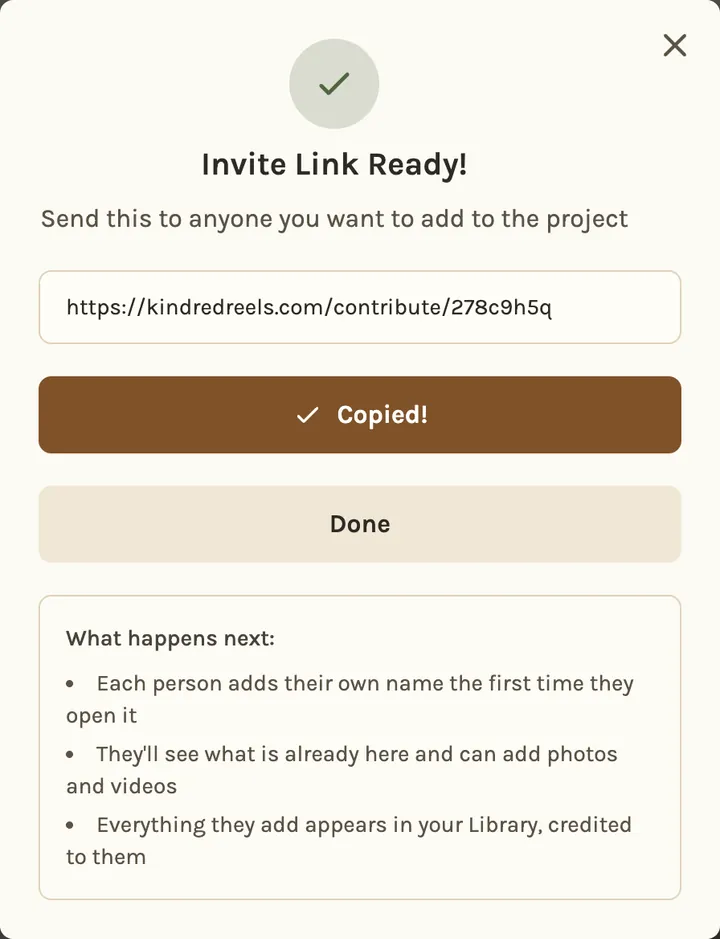
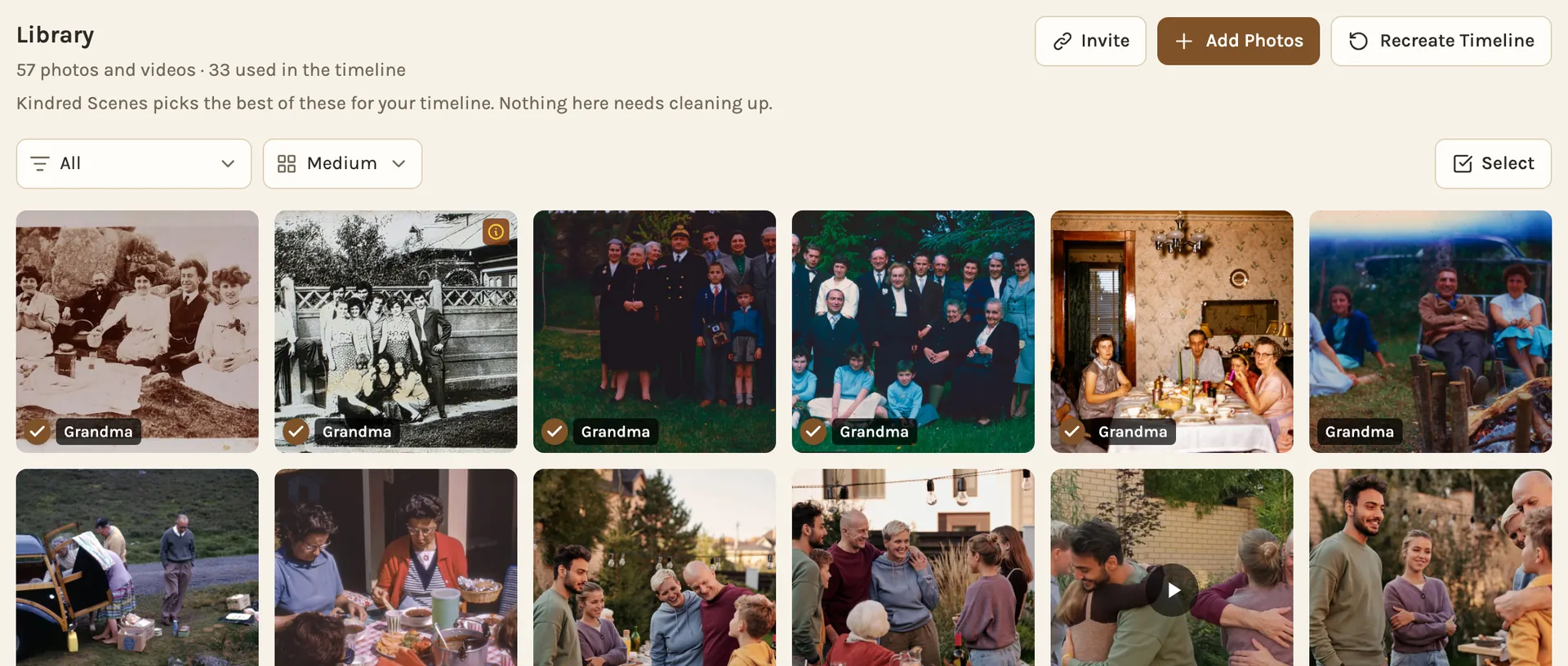
At a reunion, everyone takes photos and nobody ever sees each other's. The cousins have the kids' games, an aunt has the group photo, a grandparent has the dinner. Send one link to the whole family and everyone adds theirs from their phone. Kindred Scenes picks the best from all of them and makes one film of the weekend, in order, set to music.
The link works for every generation: no app to install and no account, only their name. Only have your own photos? That works too.
How it works for a reunion
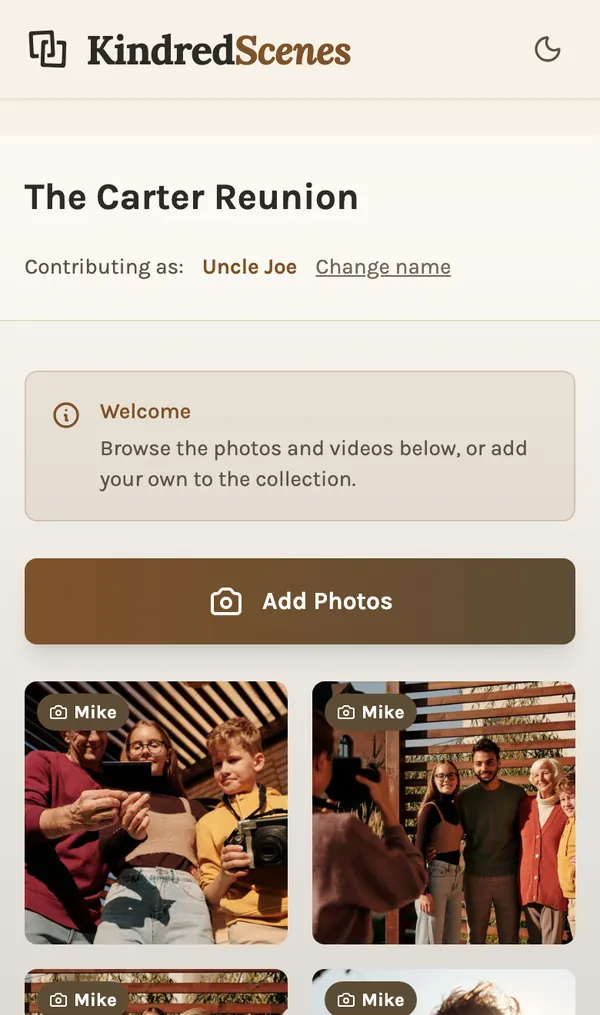
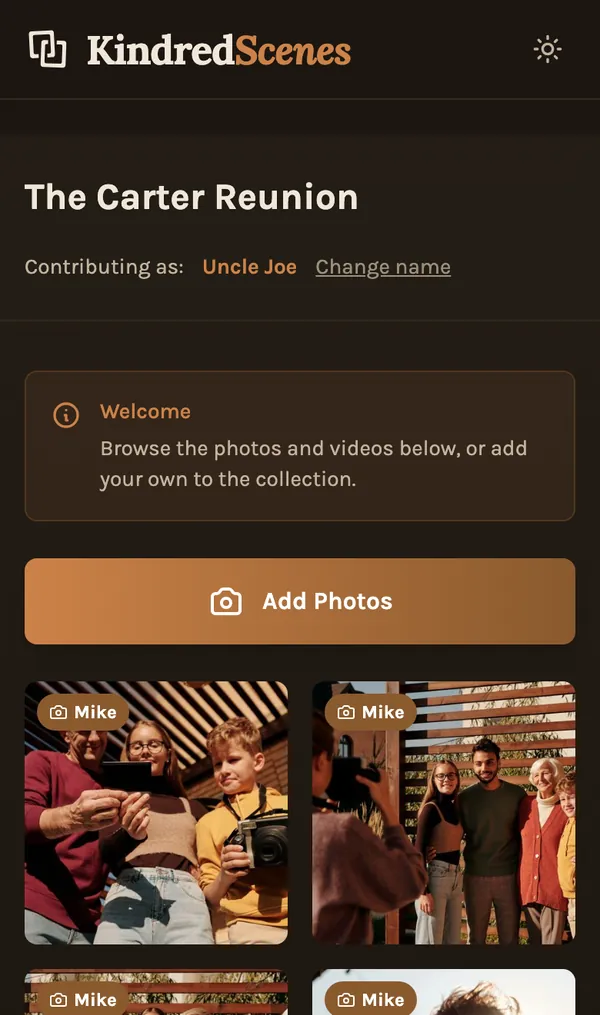
One link for the whole family
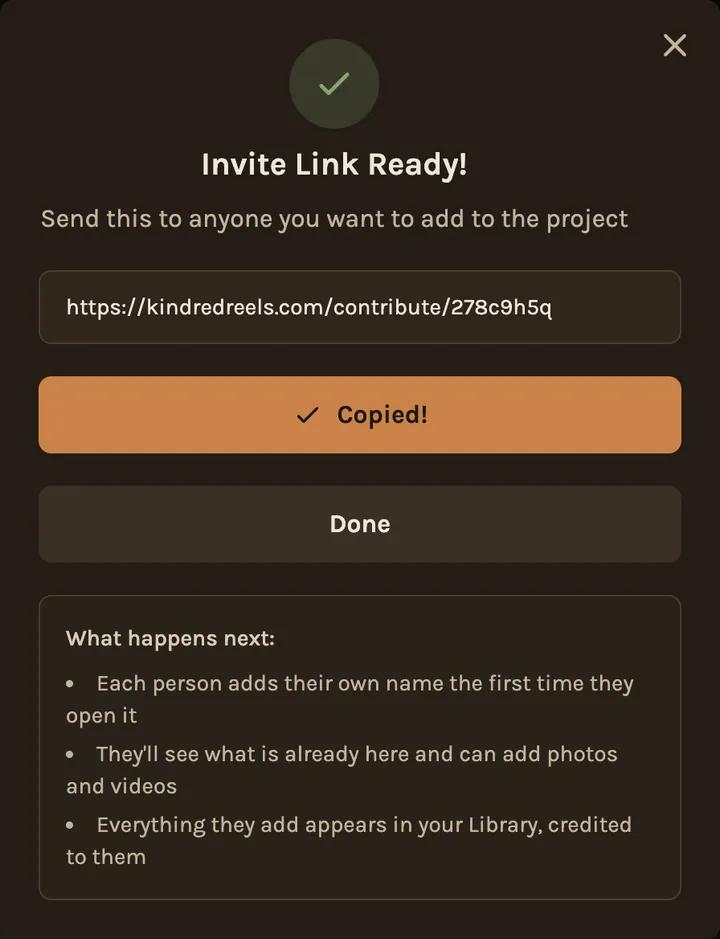
Relatives open it on their phone, type their name and add photos and videos, or pick them from their own Google Photos. They can see what others have added but can't change or delete anything.
Everyone's photos, one order
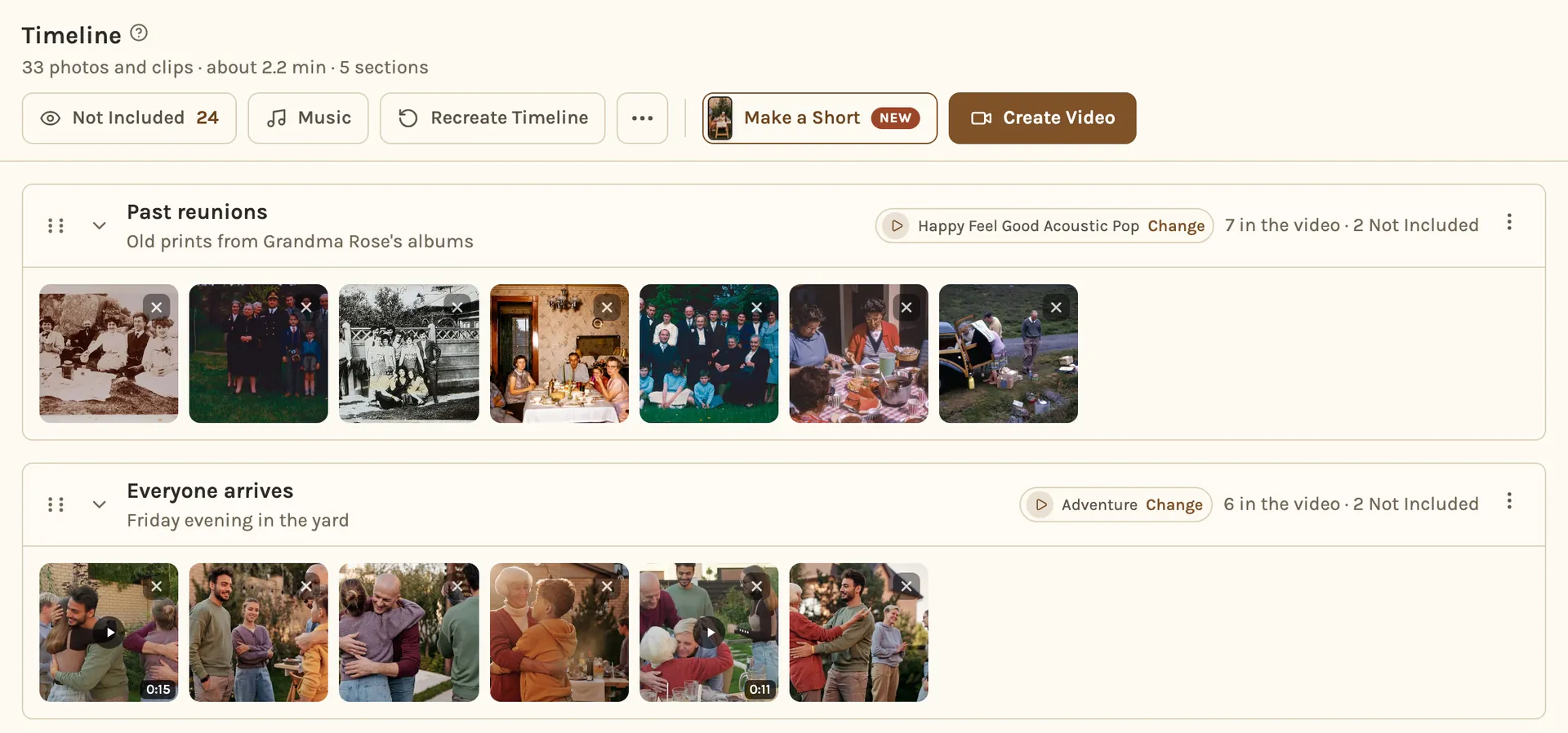
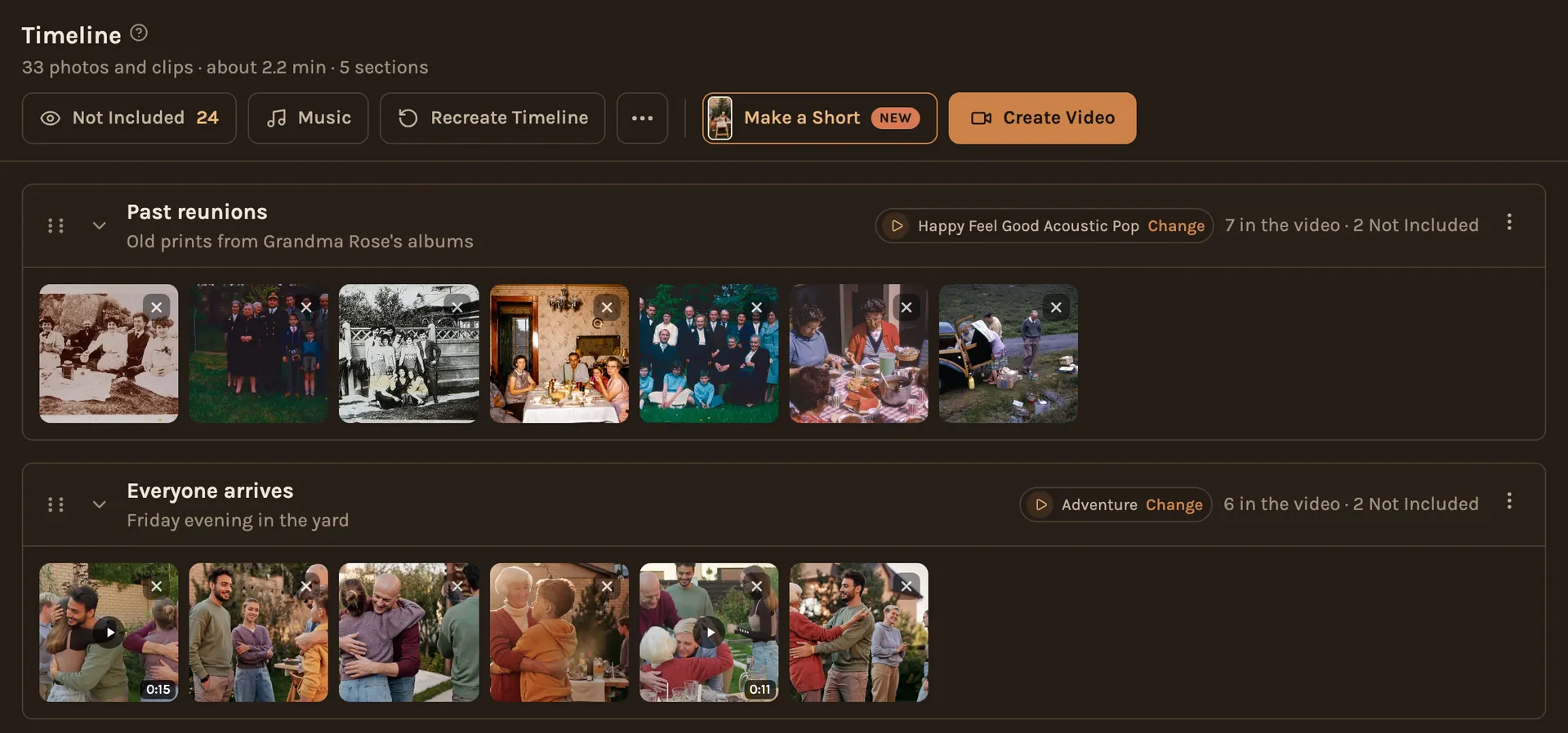
Photos from every phone are placed by the time they were taken, so the weekend plays from arrival to the last goodbye. Of ten people's shots of the same group photo, the film keeps the best one.
A film for everyone
When the full film is ready, send its link to the family. Anyone can watch it in a browser, and it can be downloaded or shown as a QR code.
Tips for a family reunion video
Post the link before everyone leaves
Put it in the family group chat on the last day, while people are still together. Photos come in fastest while the weekend is fresh.
Name a deadline
"Add your photos by Sunday" gets far more photos than "whenever you can." Make the film the day after.
Ask for the videos
A few seconds of the kids' race or a toast at dinner, with sound, brings the film to life. Only the best seconds of each video are used.
Add photos from past reunions
Old prints and scans can go in the same project. They have no date, so they sit beside the photos they were added with; drag them into place and set their date, so they stay there if you rebuild.
How long is the film?
You pick the length when the timeline is built. Add chapters or put photos back and the film runs longer.
- HighlightsAbout 2 to 3 minutesEvent $5, Tribute $29
- FeatureAbout 6 to 10 minutesEvent $9, Tribute $49
- Extended CutAbout 10 to 20 minutesEvent $15, Tribute $79
The preview is free. You pay only for the full film.
Questions about a family reunion video
No. They open the link in their phone's browser, type their name and add photos. Grandparents can do it as easily as teenagers.
Yes, by the time each photo was taken. If one phone's photos land a few hours off, Kindred Scenes can sometimes spot it when other phones caught the same moments, and you can move anything that still lands in the wrong place.
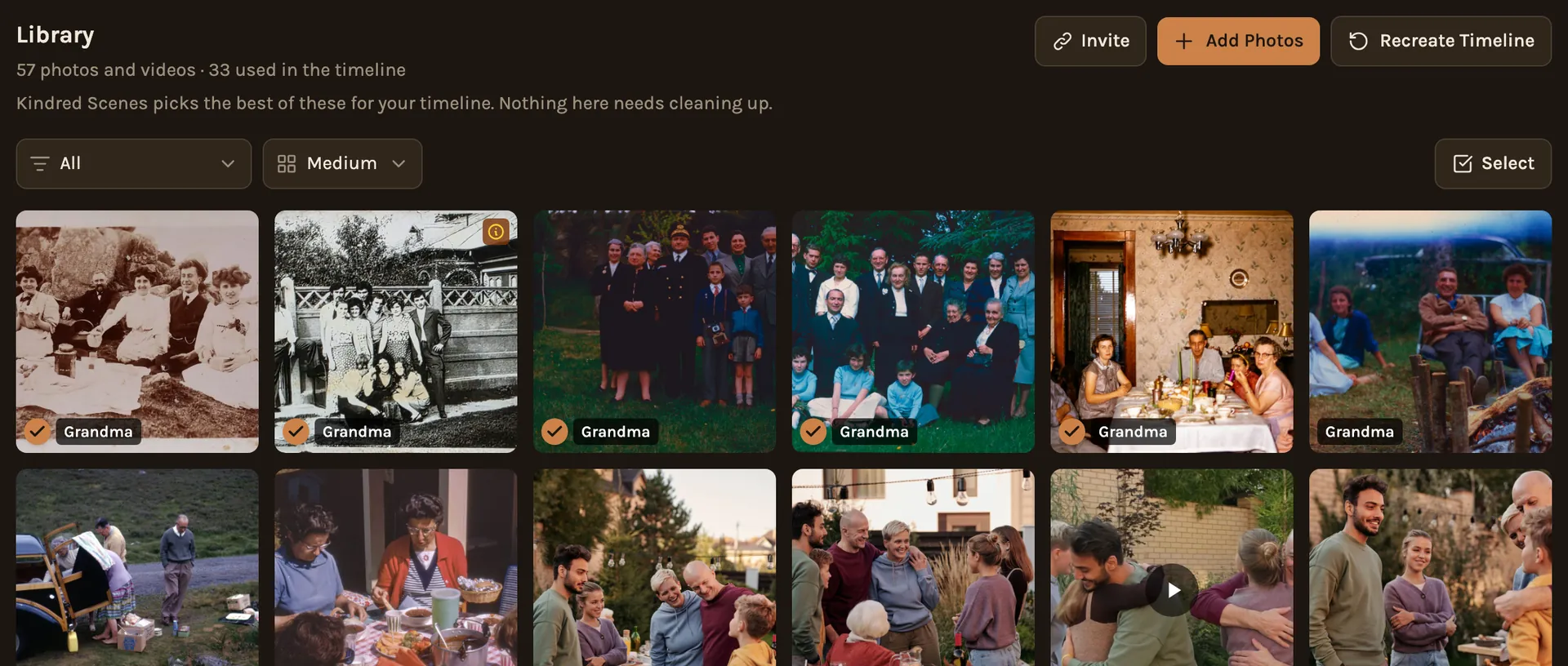
Yes. The filter at the top of the Library lists everyone who has added photos, with how many each, so you can see who still needs a nudge.
About 2 to 3 minutes for Highlights, about 6 to 10 minutes for Feature or about 10 to 20 minutes for Extended Cut. For sending to the whole family, a few minutes is easy to watch. For the people who were there, a longer film is one they will happily sit through.
Making the timeline and watching the whole film as a preview is free, and no card is needed. If you like it, the full film, in 1080p, is $5, $9 or $15 depending on the length. Your full film has no watermark and nothing from Kindred Scenes on it. It ends with your own closing words. If you are not happy with it, write to us and we refund it in full.