All the photos are in the group chat. Here's how to make them one video.
Kindred Scenes turns the photos and videos from your group chat into one film, for any trip or party the group shared, with a free preview.
After a trip, a wedding or a reunion, everyone drops their photos into the group chat, in WhatsApp, iMessage or Messenger, and there they stay. To make them one video, save them to your phone and add them to Kindred Scenes all at once. It picks the best, puts them in order and makes one film with music.
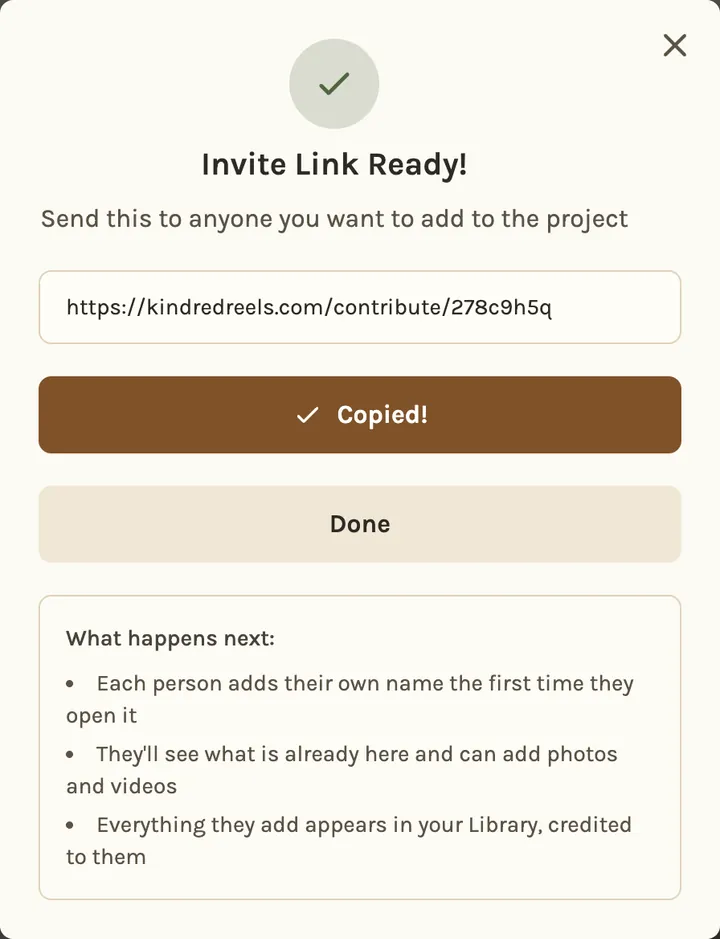
Even better, send the group one link. Everyone adds their own originals, which keep their quality and the time they were taken.
How it works
Save, then add
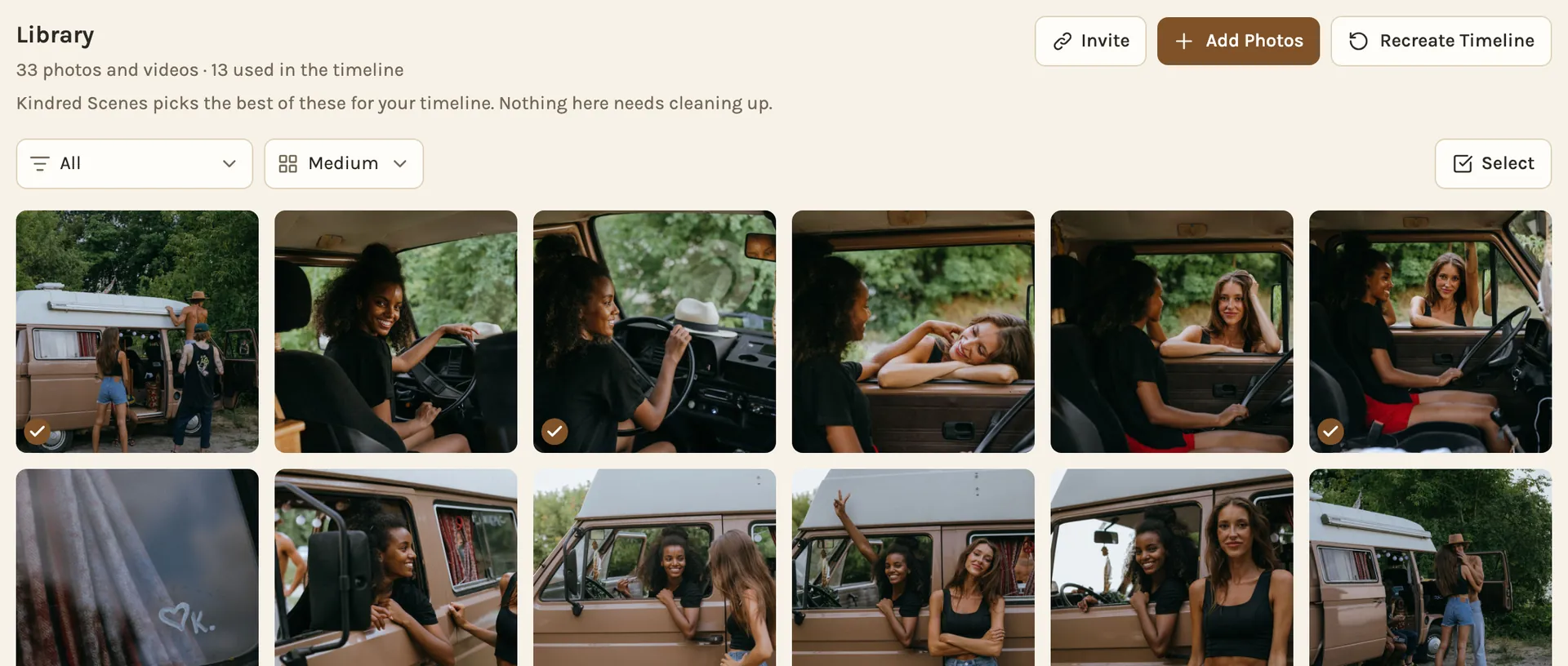
Save the chat's photos and videos to your phone, then add them to a project in one go. An exact copy of a file already in the project is skipped, and near-identical shots are left out of the film.
Why the link is better
Chat apps shrink photos and often strip the date they were taken. Originals added through the project's link keep both, so the order is right and the film looks sharper on a TV.
Back to the chat
When the full film is ready, drop its link back into the chat. Anyone can watch it in a browser. A free Short from the same timeline is made for posting.
Tips for a video from a group chat
Post the link in the chat itself
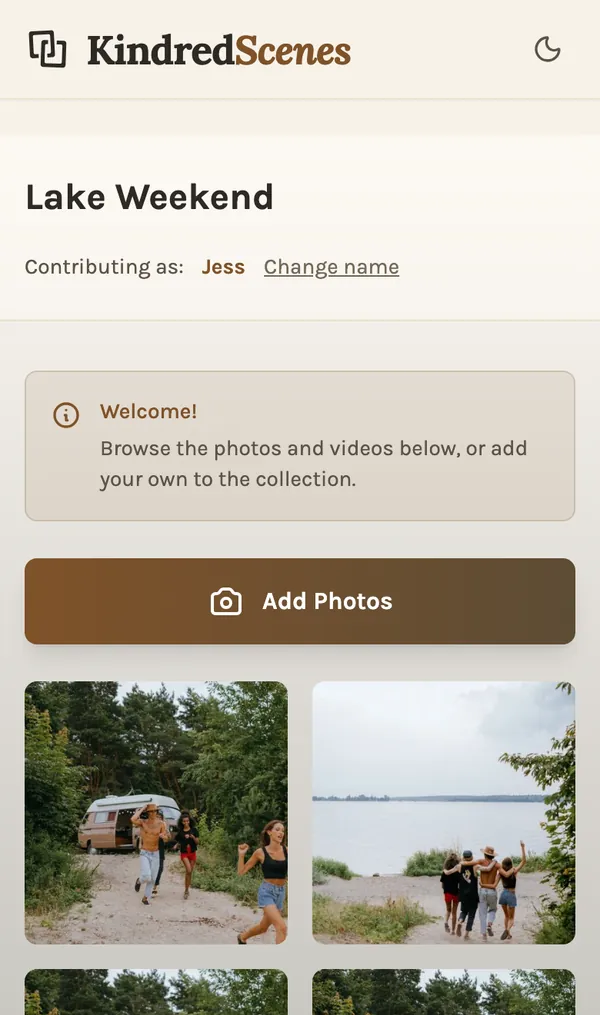
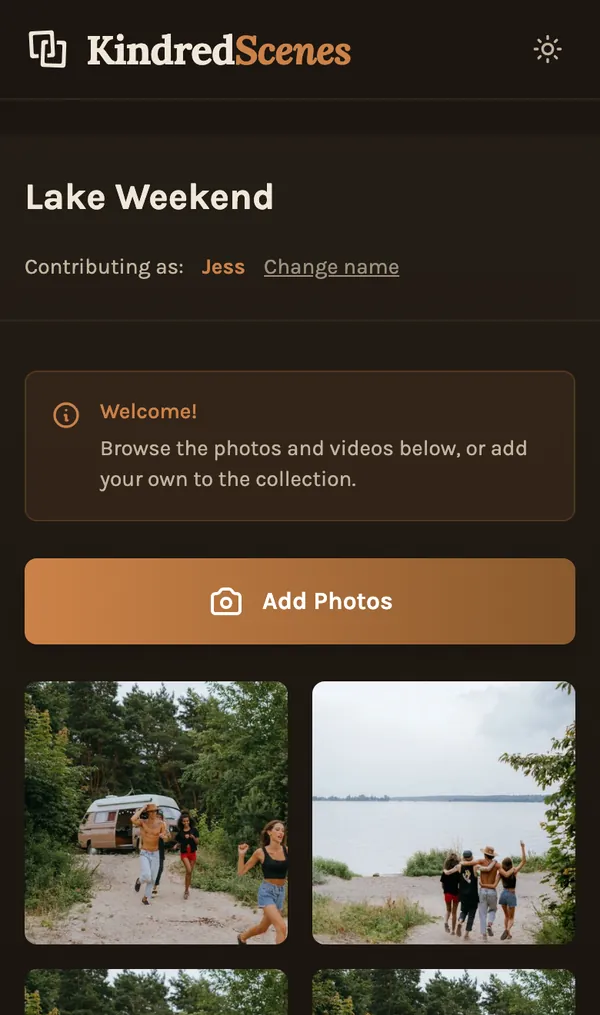
Everyone is already there. One message with the project link, and each person adds their own photos from their phone, no app or account needed.
Save in bulk
In WhatsApp and iMessage you can open the chat's media and select many photos at once to save. Save everything; the film leaves out the repeats.
Expect a few photos out of place
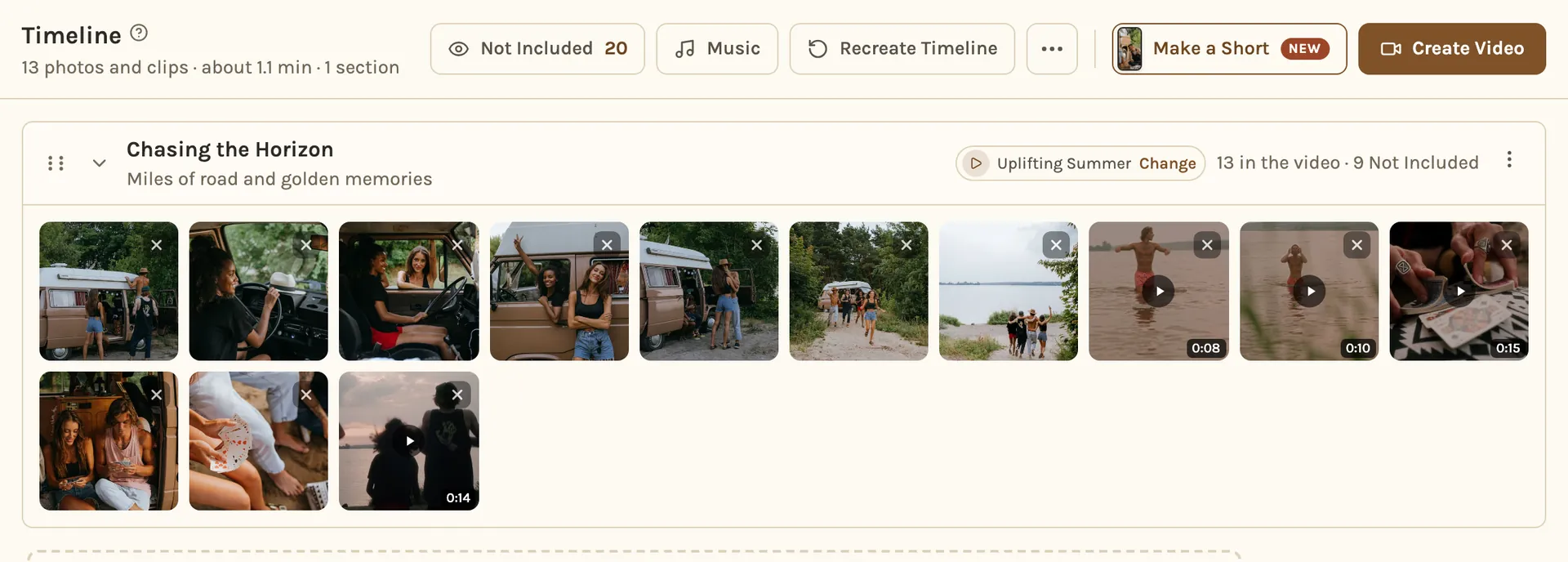
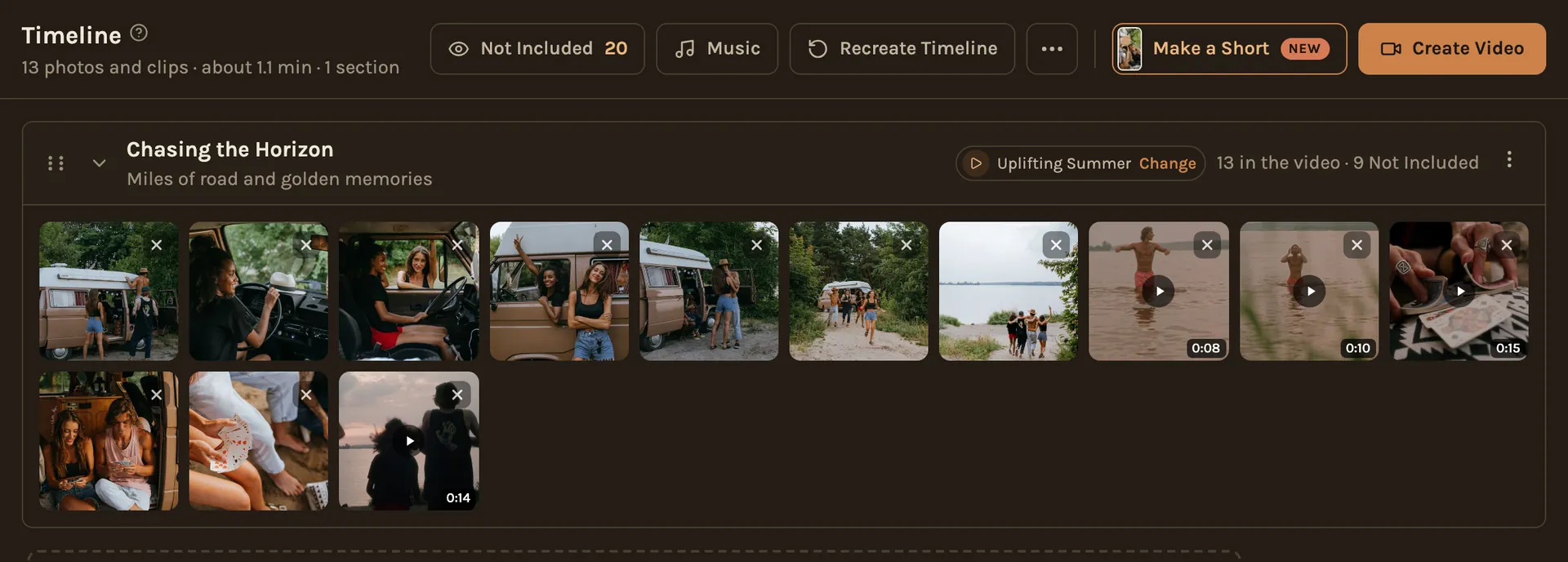
Photos saved from a chat may have lost their date, so they are placed beside the photos they were added with. Check the timeline and move any that landed in the wrong spot.
How long is the film?
You pick the length when the timeline is built. Add chapters or put photos back and the film runs longer.
- HighlightsAbout 2 to 3 minutesEvent $5, Tribute $29
- FeatureAbout 6 to 10 minutesEvent $9, Tribute $49
- Extended CutAbout 10 to 20 minutesEvent $15, Tribute $79
The preview is free. You pay only for the full film.
Questions about a video from a group chat
Chat apps often drop the date a photo was taken, so the film cannot tell when it happened. Move it by hand on the timeline, and set its date so it stays in place if you rebuild, or ask the person who took it to add the original through the link.
A little. Chat apps make photos smaller to send them faster. They look fine on a phone and a bit softer on a TV. Originals added through the link look sharper.
About 2 to 3 minutes for Highlights, about 6 to 10 minutes for Feature or about 10 to 20 minutes for Extended Cut.
No. Only you need an account. Everyone else opens the link, types their name and adds their photos.
Making the timeline and watching the whole film as a preview is free, and no card is needed. If you like it, the full film, in 1080p, is $5, $9 or $15 depending on the length. Your full film has no watermark and nothing from Kindred Scenes on it. It ends with your own closing words. If you are not happy with it, write to us and we refund it in full.