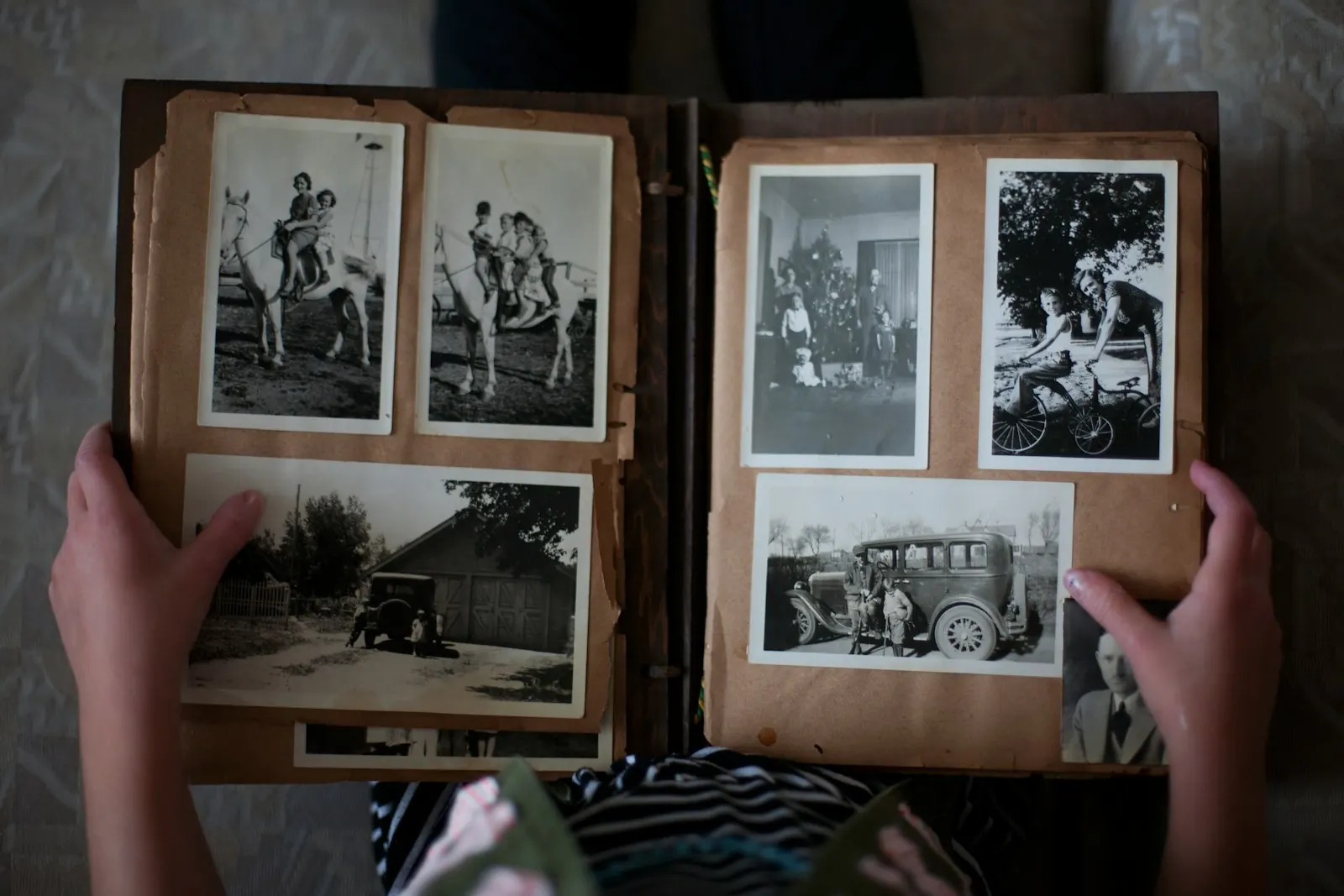
If the service is days away
When you only have a few days, give each day one job:
- Day 1: ask everyone, today, even before you know how the film will be made.
- Day 2: photograph the prints at the house that has the albums.
- Day 3: choose and put them in order, with one other person from the family.
- Day 4: make the film in the morning, then play it at the venue.
If you have already started a slideshow in another app, finish it there. This is not the week to learn something new.
If you have a few weeks
For a celebration of life or a memorial later on, there is time to ask more widely, wait for the slower relatives, and gather short spoken memories from the family. Set a deadline a few days before you need the film, and keep the late photos for a longer version afterward.
Ask everyone at once
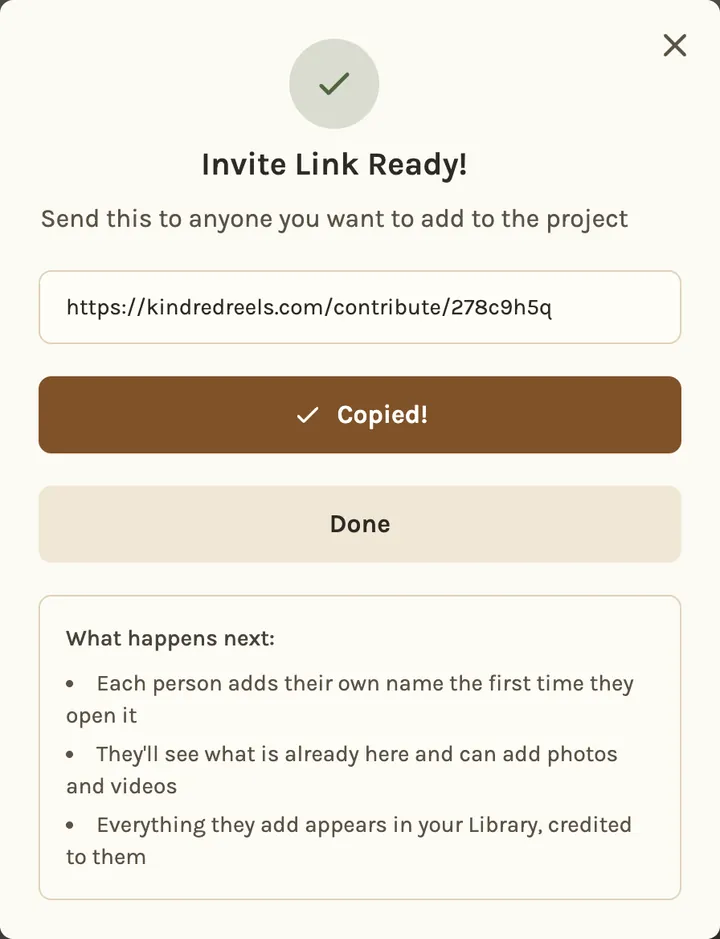
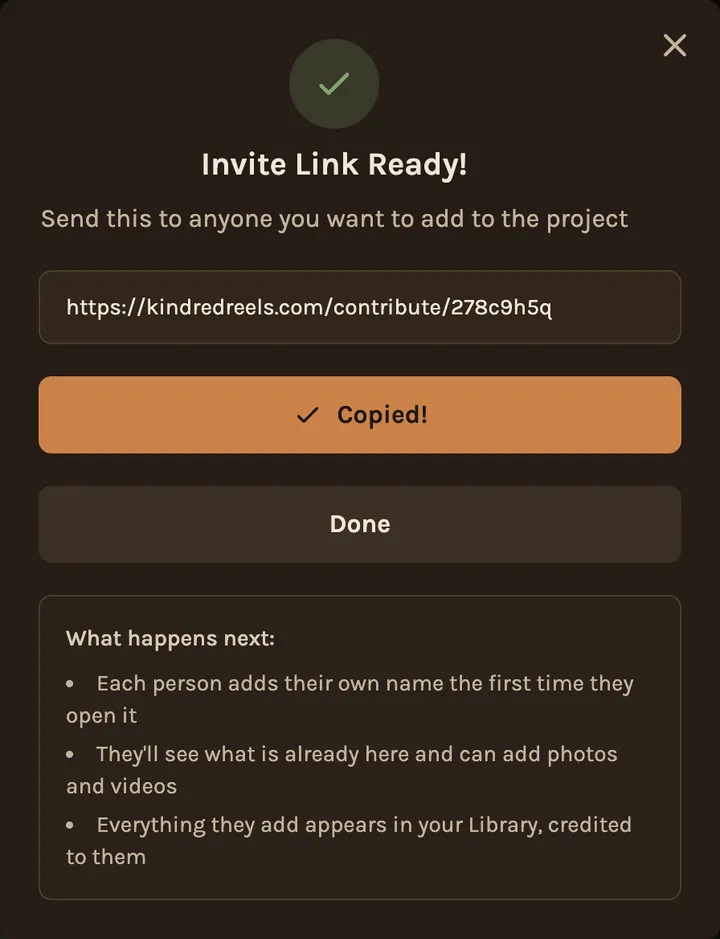
Think wider than the immediate family. Brothers, sisters and cousins have the childhood photos. Friends often have the photos where the person looks most like themselves. One message to one person at their work, church or club can reach the rest.
In Kindred Scenes, you send one link. Relatives open it on their phone, type their name and add photos and videos, with no app and no account. If the family already shares a Google Photos album, bring it in instead.
Keep the message short. People read it between other hard calls:
I'm putting together the slideshow for Dad's service on Friday. If you have photos or short videos of him, please add them here by Wednesday night: [link]
Older photos are especially welcome, and so are videos where you can hear him. Thank you.
Old prints
The photos from before phones are often the ones people most want to see. A phone is enough to copy them:
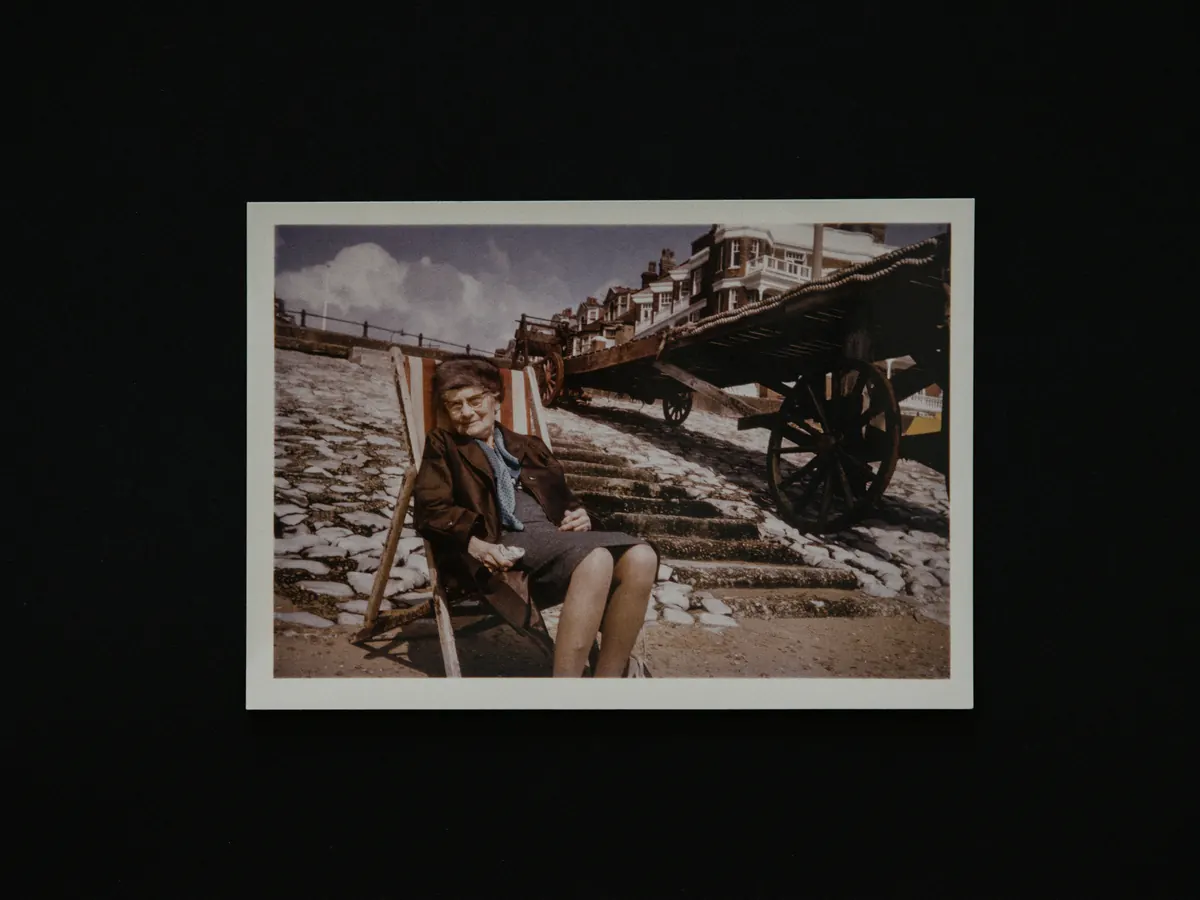
- Take prints out of plastic sleeves and frames: the glare leaves a white patch.
- Work by a window, flash off: hold the phone straight above the print.
- Photograph the back too: a name or a year in someone's handwriting is worth keeping.
In a tribute, Kindred Scenes dates old prints from what is in the picture, so they land in the right years even with nothing written on the back.
Choose, and put it in the order of the life
You will have more than you can use. Keep the best of each group of similar photos. Leave out photos where the person is a tiny face at the back, and anything that could hurt someone in the room. Many families leave out the last illness, unless the person would have wanted it.
Kindred Scenes does the first pass for you. Choose Tribute when you create the timeline and give it a few clear photos of the person. After you agree to face recognition, it finds them in everyone's photos, sets aside repeats and weaker shots, and splits the film into chapters through the years. Nothing is deleted: a photo of their garden or their dog can be dragged back in. Tributes come with the Tribute plan.
Their family's voices
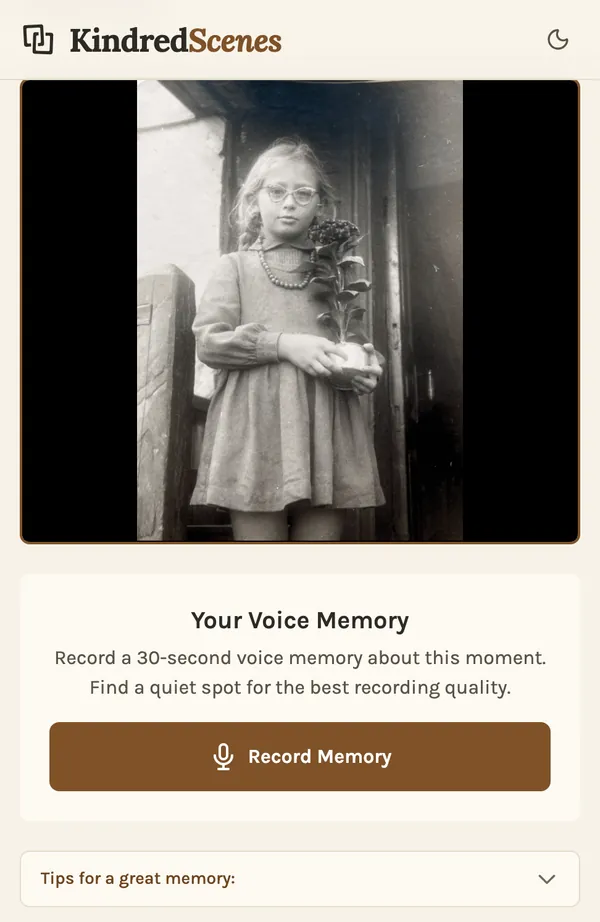
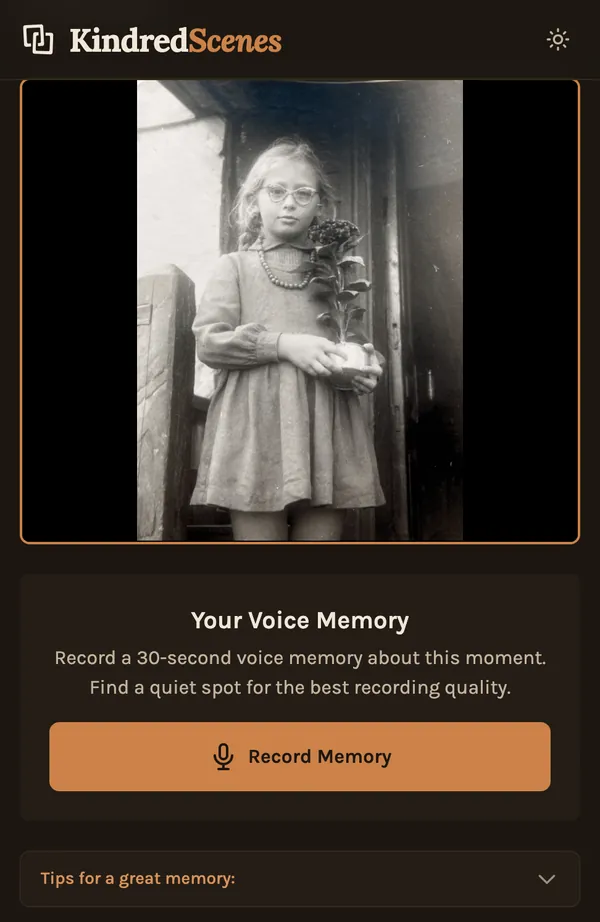
If you have a few weeks, ask some relatives to record a short memory about one photo. In a tribute, you send them a link to that photo and they record up to 30 seconds on their phone. Their voice plays over the photo, with the music turned down.
If someone has a video where the person speaks or laughs, ask for it by name. A few seconds of their voice often means more than any photo.
Play it where it will be shown
Ask the venue what their screen plays, and whether they want a file on a USB stick or a link. Ask if you can play it once before the service, all the way through, with the sound on. Watch for a photo that looks blurry when it's big, and sound that is too quiet.

The finished film is a landscape MP4 you can download, plus a private link anyone can open in a browser. On the day, bring the file on a USB stick, the same file on a laptop or phone, and the link, so family far away can watch it too.