Which kind of film
There are two different films people mean by "a birthday video":
- A life story: photos from every part of their life, told in order through the years. In Kindred Scenes, choose Tribute when you create the timeline. It is made for a whole life and works just as well for someone very much alive. Tributes come with the Tribute plan.
- A film of the party itself: everyone's photos and videos from the day. Choose Trip or event.
This guide is about the first one.
Keeping it a surprise
Most of these films are surprises, and that changes how you collect.
Send the link to everyone except the guest of honor, and say it is a secret in the first line of the message. The hard part is the early photos, because the person who has the old albums is often the person the film is for. Ask a sibling or a close friend to borrow the albums for an afternoon, or to photograph them on a visit.
For an anniversary, one partner can be your inside help for the other.
Ask for every decade, not "photos of Dad"
"Send me photos of Dad" gets you the last five years. Ask by decade, and say who probably has each part:
We're making a surprise video for Dad's 70th on the 14th. Please don't tell him! Could you add any photos you have by the 5th? We're especially missing:
- Dad as a kid (Aunt Lena, do you have any?)
- his twenties and the wedding
- the years when we were little
- anything recent with the grandkids
Here's the link: [link]. Original photos please, not screenshots.
For an anniversary, ask for each of them before they met, then the wedding, then the years together.
Old prints
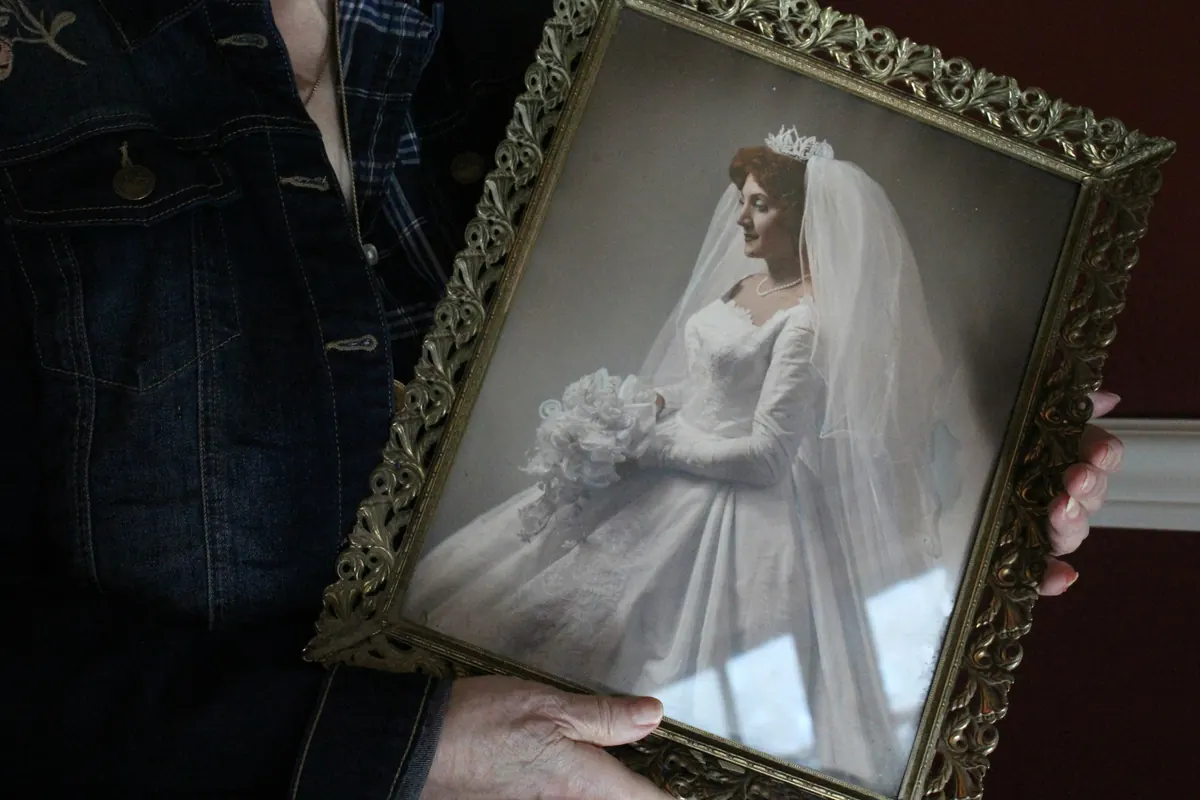
The early decades are almost always prints. Photograph them flat by a window in daylight, flash off, phone held straight above. Photograph the back of any print with writing on it, because a year in someone's handwriting puts it in the right place.
In a tribute, Kindred Scenes dates old prints from what is in the picture, so they land in the right years even with nothing written on the back. It finds the guest of honor in everyone's photos by their face, once you give it a few clear photos of them and agree to face recognition.
Messages from the family
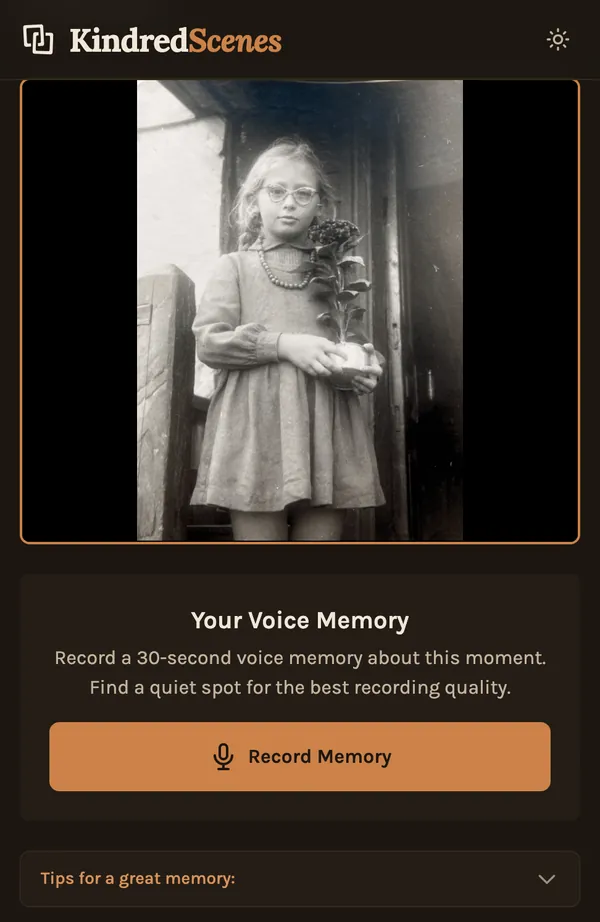
A few short messages are often what people talk about afterward. Give people a prompt, because "say something" is hard:
- "What is your favorite memory with him?"
- "What did he teach you?"
- "Tell the story behind this photo."
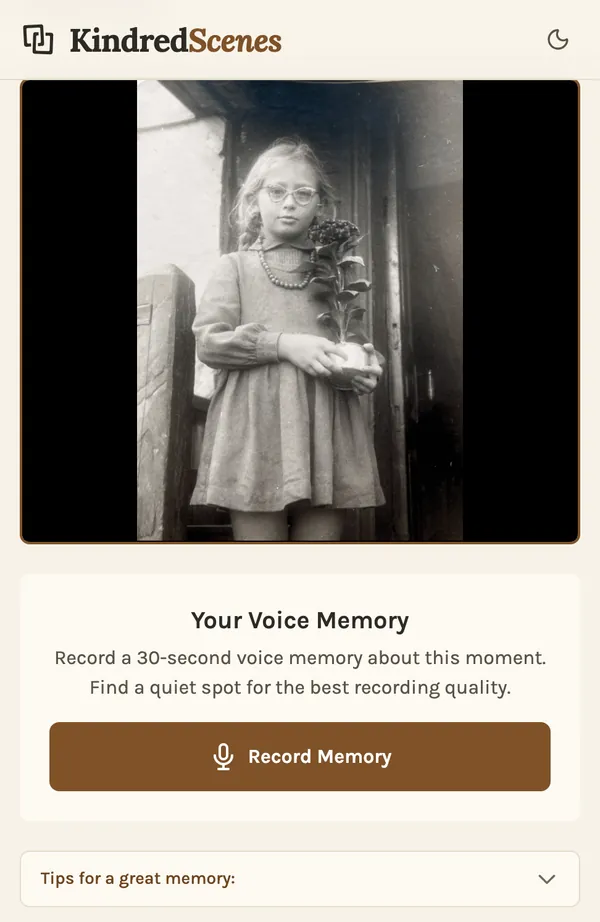
In a tribute, you send a relative a link to one photo, and they record up to 30 seconds about it on their phone. Their voice plays over that photo, with the music turned down. People who would rather be on camera can film a short clip and add it like any other video.
Music from their years
Songs the person loved, or songs from the years each chapter covers, do a lot of the work. Kindred Scenes gives each chapter its own song from its library, and you can swap any of them or upload your own.
On the day
- Test it on the TV or projector you will use, with the sound on. Laptop speakers are rarely enough.
- Ask one person to press play, so the guest of honor can just watch.
- Bring a copy on a phone or USB stick.
- Send a private link to relatives who couldn't come.